Skyline OS User Profile Recipe: Syncing Your 2026 Phone and Ride Data sits at the center of modern Harley-Davidson ownership because rider setup is no longer limited to bars, pegs, and suspension preload. On 2026 motorcycles that use Skyline OS, a user profile stores digital preferences alongside machine settings, letting one bike adapt to different riders and letting one rider carry familiar controls across compatible models. In practical terms, a profile recipe is the repeatable combination of ergonomic choices, infotainment settings, navigation behavior, communication permissions, and ride-data rules that produce a predictable experience every time the ignition turns on.
That matters most inside the broader subject of model-specific ergonomics and performance recipes. A Road Glide rider may prioritize a calm touring cockpit, a low-glip-throttle map, headset pairing, and long-range route planning. A Sportster S rider may want shorter reach adjustments, a more aggressive screen layout, quick access to performance telemetry, and tighter control over which notifications can interrupt a ride. When these choices are saved correctly, the motorcycle behaves less like a generic device and more like fitted equipment.
I have worked through profile setup on connected vehicles and learned that most frustrations come from treating syncing as a one-time phone task instead of a system design task. A bike, phone, headset, and cloud account each have their own permissions, battery-saving rules, and firmware dependencies. If one layer is misconfigured, riders blame the motorcycle, yet the real fault often sits in background app restrictions, outdated Bluetooth stacks, or conflicting profile permissions. A strong setup recipe prevents those avoidable failures.
For Harley-Davidson owners, this hub page explains how Skyline OS user profiles support ergonomics and performance tuning across model families, what data should sync, what should stay local, and how to build a profile that survives phone upgrades, software updates, and shared-bike use. It also outlines the tradeoffs: convenience versus privacy, consistency versus model-specific optimization, and automation versus rider control. Get the profile right, and your 2026 phone and ride data stop feeling like separate systems.
What a Skyline OS user profile actually controls
A Skyline OS user profile is best understood as a container for rider identity, preferences, and selected machine behaviors. Depending on motorcycle model and software version, that can include paired phone recognition, headset associations, language and unit settings, navigation favorites, recent destinations, media preferences, screen layout choices, notification filters, ride mode defaults where permitted, and selected telemetry display pages. The key point is that the profile does not merely remember convenience features; it influences how quickly a rider reaches a comfortable and informative operating state.
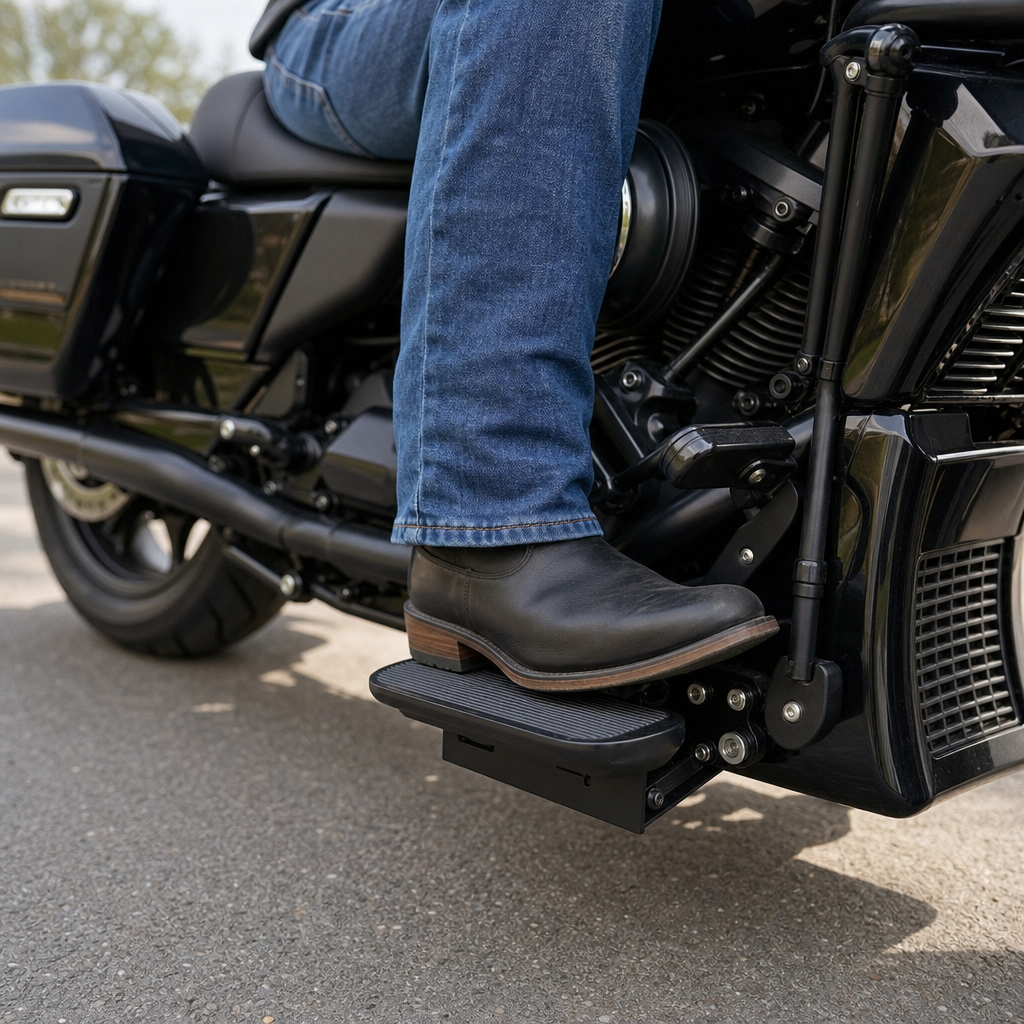
Within a Harley-Davidson context, ergonomics and performance recipes begin with touchpoints and cognitive load. Touchpoints are the physical relationships among seat, bars, pegs, levers, and screen reach. Cognitive load is the mental effort required to interpret information while riding. A good profile supports both. For example, if a shorter rider on a Street Glide configures larger navigation prompts, reduced message previews, and a simplified tile arrangement, the display becomes easier to read without prolonged glances. If that same rider stores preferred routing and audio priority rules, less manual intervention is needed on the move.
Profiles also support machine-to-rider continuity. Riders who alternate between commuting and touring often assume they need separate bikes to get separate digital experiences. In reality, a robust profile can preserve weekday essentials such as traffic-aware navigation, selective call alerts, and fuel-range displays, then pivot to weekend mode with expanded map detail, headset intercom bias, and trip statistics. The motorcycle still has its own limits, but the rider no longer rebuilds the interface from scratch each time.
Building a model-specific ergonomics and performance recipe
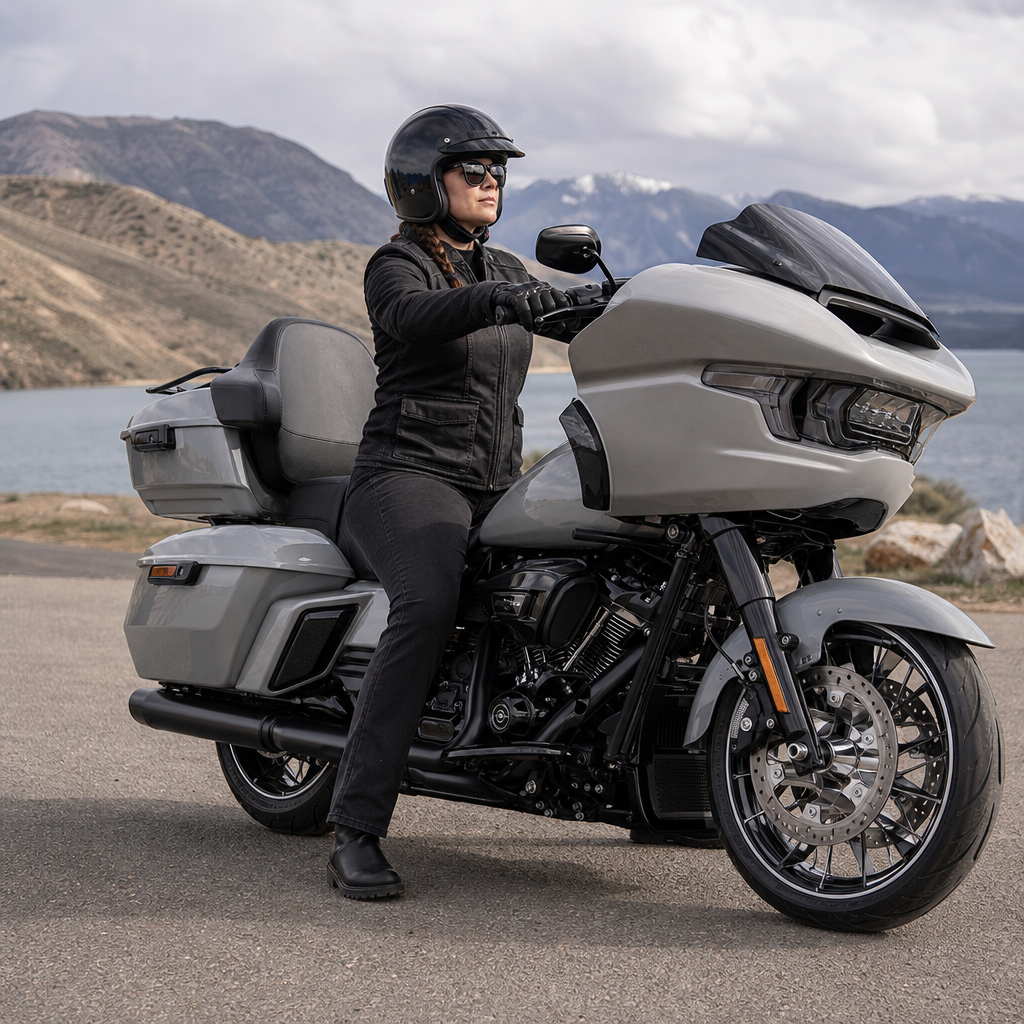
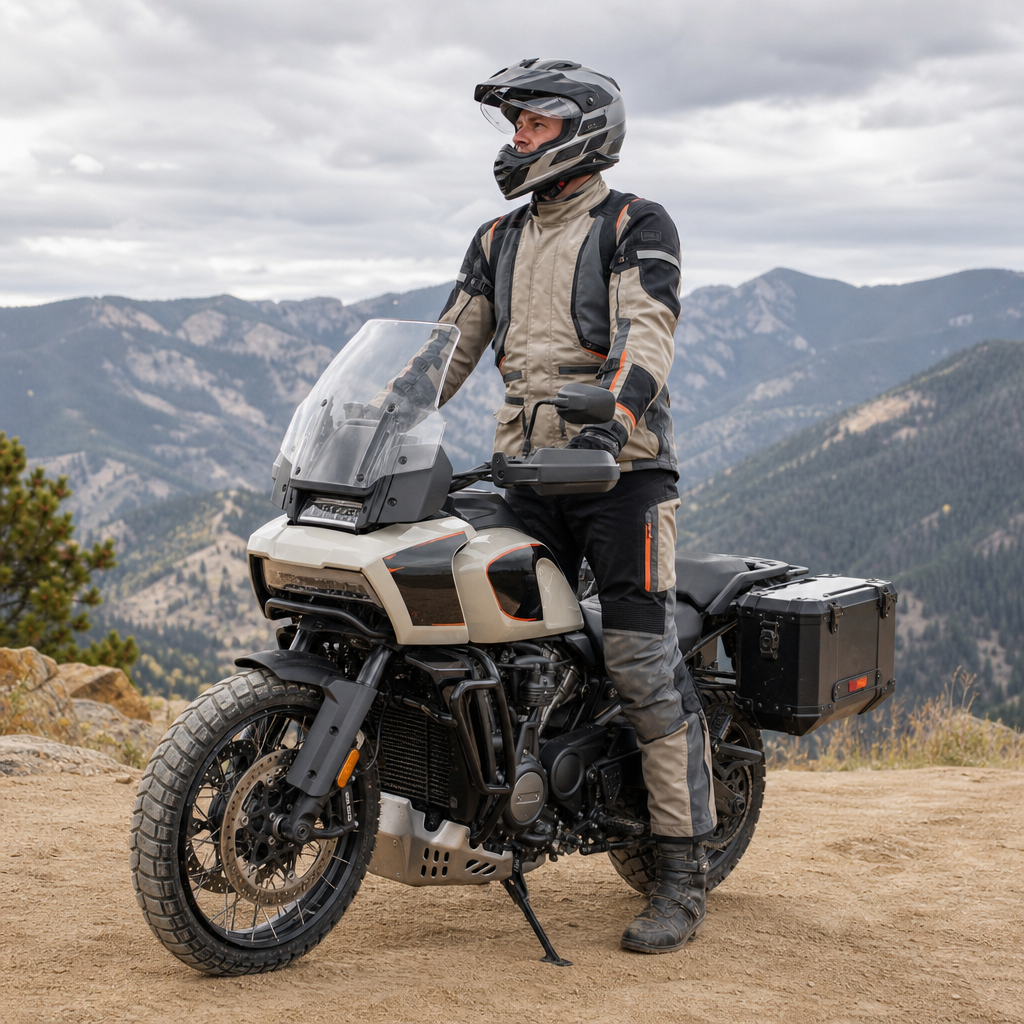
The most useful profile recipe starts with the motorcycle’s role, not the app menu. Touring models, performance cruisers, adventure-leaning machines, and urban standards place the rider in different postures and expose them to different demands. That changes what should sync first. A Road Glide recipe usually starts with navigation prominence, headset stability, and low-distraction notification rules because highway hours magnify screen usability issues. A Pan America style setup, by contrast, benefits from quick toggles for route changes, terrain-relevant data pages, and glove-friendly screen organization. A Low Rider ST rider may care more about concise media control, fuel stops, and preserving a lean cockpit.
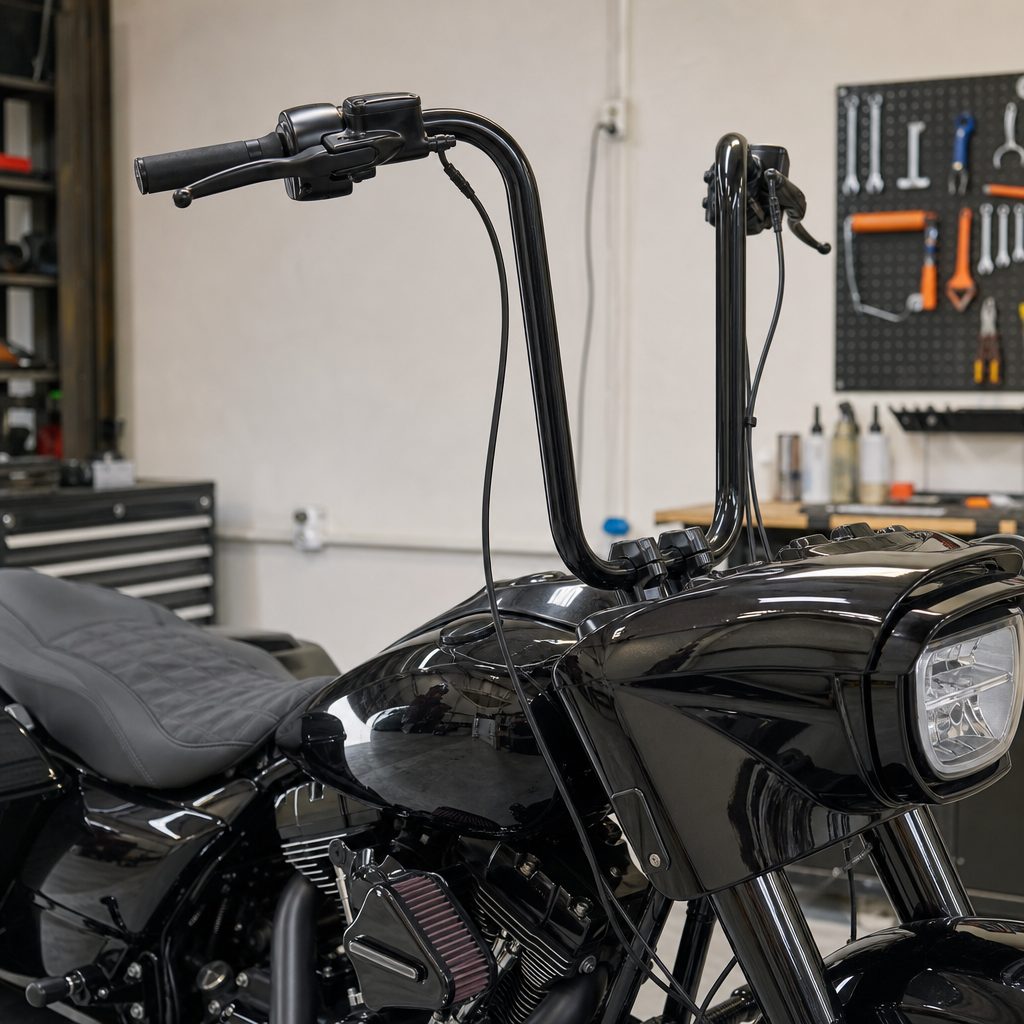
Ergonomic fit should shape digital fit. If ape-hanger geometry, riser changes, or reduced-reach controls alter hand movement, a rider may prefer fewer touch interactions and more persistent home-screen information. If a taller rider uses a taller seat and farther controls, they may accept slightly more on-screen density because their upper-body stability is stronger at cruise. These are not abstract design theories; they affect glance time, input accuracy, and fatigue. In workshops and test rides, I have seen riders misdiagnose “bad software” when the real issue was a layout that did not match the way they sit on the bike.
| Model use case | Primary ergonomic concern | Best profile priority | Ride-data emphasis |
|---|---|---|---|
| Road Glide or Street Glide touring | Long-distance glance comfort | Large navigation cards, headset auto-connect, limited alerts | Fuel range, waypoint management, trip averages |
| Sportster S performance cruising | Compact cockpit and faster pace | Minimal tiles, direct media control, reduced pop-ups | Ride mode access, brisk-route history, performance screens |
| Low Rider ST club-style travel | Lean interface with quick access | Phone pairing reliability, simple home screen, recent destinations | Fuel stops, route recall, selective call handling |
| Adventure or mixed-surface setup | Glove use and route variability | Large touch targets, offline maps, waypoint editing | Elevation, route deviation, longer trip logs |
Performance recipes should remain realistic about what the bike can and cannot save by profile. Some settings are rider-specific and harmless to automate, such as units, map themes, and audio behavior. Others may be regulated, safety-sensitive, or model-limited. If a machine requires manual confirmation for a ride mode or traction-related setting, treat that as normal system design, not a flaw. The practical recipe is to save what reduces friction while leaving critical dynamic decisions under deliberate rider control.
Syncing your 2026 phone without breaking reliability
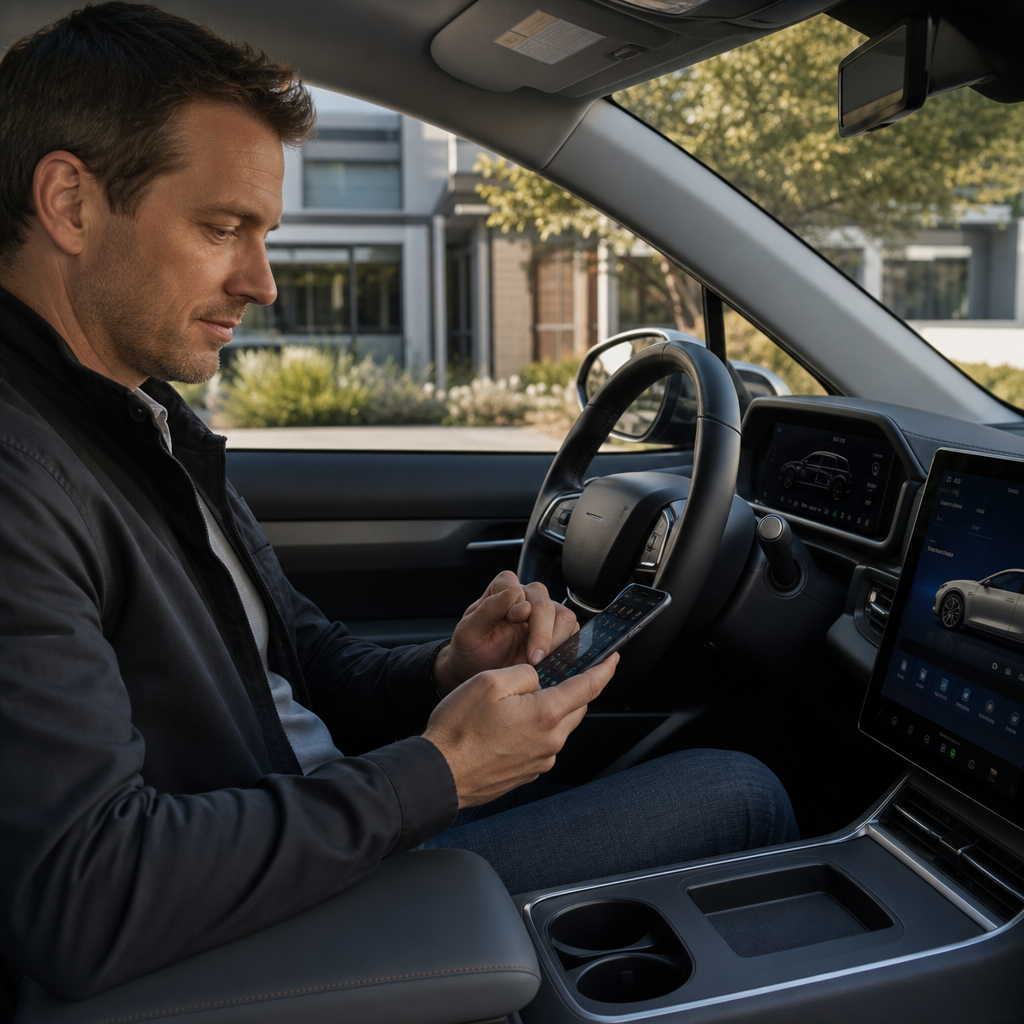
Phone sync failures usually trace back to three causes: permission gaps, aggressive battery management, or stale pairings. Start by updating the motorcycle software, the Harley-Davidson mobile app if required for account services, the phone operating system, and any headset firmware. Then remove old Bluetooth pairings from both the bike and phone before creating the new connection. On iPhone, verify Bluetooth, notifications, contacts access, and location permissions, especially precise location if route handoff is part of the workflow. On Android, also check battery optimization exemptions, background data access, nearby devices permission, and whether the manufacturer’s power manager is suspending the app.
The most stable sequence is simple. Sign in to the relevant rider account first, pair the phone second, pair the headset third, and then test a full ignition-off and ignition-on cycle. Many riders reverse that process and create duplicate device identities, which later cause partial reconnection. If the phone pairs for media but not calls, or navigation loads but route transfer fails, the issue is often that one permission was accepted during the first pairing and another was denied. Rebuilding the chain cleanly is faster than chasing each symptom one by one.
For shared-bike households, avoid using one generic phone profile. Create separate user profiles when the system supports them and use distinct account credentials where appropriate. That keeps destinations, call history exposure, language, and display preferences separated. It also prevents one rider’s navigation habits from polluting another rider’s suggestions and recents list. On a premium touring motorcycle, that separation is not a luxury feature; it is basic operational hygiene.
Choosing which ride data should sync, store, or stay private
Not every piece of ride data belongs everywhere. Useful synced data includes saved destinations, favorite routes, home and work presets, trip logs intended for maintenance or travel recall, media favorites, and display preferences. Potentially sensitive data includes continuous location history, call metadata, contact lists, microphone permissions, and helmet communication records. Riders should decide intentionally which categories provide real riding benefit. If a dataset never changes your comfort, route quality, or maintenance decisions, it may not be worth syncing.
Ride data becomes valuable when it informs future setup. Consider a rider who discovers through trip history that fatigue rises after two hours on a Low Rider ST because fuel and rest stops are being delayed. By reviewing average segment lengths and route behavior, that rider can adjust navigation prompts, gas-stop planning, and even seat or peg choices. Another rider on a touring bike may notice repeated manual zoom corrections on the map, a sign that the default navigation scale is wrong for their vision and riding speed. Data is only helpful when tied back to ergonomic and performance decisions.
Privacy tradeoffs are real. Cloud sync can simplify migration to a new phone or bike, but it creates another copy of personal travel data. If the system offers retention settings, choose the shortest period that still supports your riding goals. If there is a guest mode, use it when lending the bike. Before trade-in or service handoff, remove paired devices, sign out of rider accounts, and clear stored destinations. These basic steps matter as much on a motorcycle as they do on a smartphone or car.
Common problems and the fixes that actually work
The most common complaint is inconsistent auto-connect. When a phone reconnects intermittently, test whether a smartwatch, helmet comms unit, or car stereo is stealing priority. Bluetooth is not just on or off; devices negotiate profiles for calls, media, and data, and conflicts are common. Set the motorcycle as a trusted or preferred device where the phone allows it, and disable unnecessary concurrent connections during diagnosis. If the issue appears after an operating system update, delete and rebuild the pairing rather than waiting for it to self-correct.
Another frequent problem is notification overload. Riders pair a phone successfully, then realize the bike is surfacing every app alert. The fix is to filter aggressively. Keep calls from priority contacts, navigation guidance, and perhaps essential weather or roadside assistance alerts. Disable social, promotional, and low-value app notifications. On test fleets, reducing alert volume often improves rider satisfaction more than adding any new feature because the display stops competing with the road.
Navigation mismatches are also common. If the phone route and bike route differ, check map source, avoidance settings, toll preferences, and offline map status. Two systems can use different route engines even when they look integrated. For touring riders crossing weak-coverage regions, preloading maps or confirming offline behavior is critical. Finally, remember that software cannot compensate for poor ergonomic fundamentals. If glare, reach, or helmet noise are undermining usability, solve those physical issues alongside the profile.
Why this hub matters for Harley-Davidson owners in 2026
This hub matters because connected motorcycle ownership now blends fitment, software, and data discipline. The best Harley-Davidson setup is not just a seat choice, bar bend, or suspension clicker count, and it is not just a paired phone. It is a repeatable recipe that joins physical ergonomics with digital behavior so the bike supports the rider instead of distracting them. Skyline OS user profiles are the mechanism that makes that repeatability possible across many daily starts, many route types, and sometimes multiple riders.
The main takeaway is straightforward. Define the riding role of your motorcycle, fit the cockpit to your body, then configure the profile around the way you actually ride. Sync only the data that improves navigation, communication, comfort, or maintenance awareness. Keep the pairing chain clean, update software deliberately, and revisit your settings after major hardware or posture changes. That process yields a safer, calmer, and more personalized ride than any random collection of app toggles.
Use this page as your starting point for the full set of Harley-Davidson model-specific ergonomics and performance recipes. Build one profile for commuting, one for touring if needed, and test them with intention. A well-tuned Skyline OS profile turns your 2026 phone and ride data into a working part of the motorcycle, not an accessory you tolerate.
Frequently Asked Questions
What is a Skyline OS user profile recipe, and why does it matter on a 2026 Harley-Davidson?
A Skyline OS user profile recipe is the repeatable package of settings, preferences, and connected data that defines how a 2026 Harley-Davidson behaves for a specific rider. Instead of adjusting the motorcycle every time you switch riders or move between compatible models, Skyline OS can store a personalized combination of digital controls and machine-related preferences in a single profile. That can include display layout choices, infotainment behavior, navigation preferences, ride mode assumptions where supported, paired phone behavior, and other rider-specific settings that shape the daily ownership experience.
What makes this important is that modern Harley-Davidson setup now goes well beyond physical ergonomics. Riders still care about seat height, bar reach, and suspension feel, but on Skyline OS-equipped motorcycles, digital familiarity is becoming just as valuable. A profile recipe helps ensure that the screen looks the way you expect, your connected features behave consistently, and your preferred interface is ready when you start the bike. If multiple people ride the same motorcycle, profiles reduce friction because the bike can adapt to each rider without requiring a manual reset every time.
It also matters for owners who ride more than one compatible machine. A well-built profile recipe creates continuity across motorcycles, so the transition from one bike to another feels more natural. Rather than relearning menu layouts or reconfiguring phone-related preferences, the rider can bring a known setup along. In that sense, the profile recipe is not just a convenience feature. It is part of how Skyline OS turns rider identity, connected technology, and motorcycle personalization into one integrated system.
What types of phone and ride data can be synced through a Skyline OS profile?
In broad terms, a Skyline OS profile is designed to preserve the rider’s digital environment, which usually includes both mobile-device connections and ride-related preferences. On the phone side, that often means pairing information, communication settings, media preferences, navigation-related behavior, and permissions that affect how the motorcycle interacts with a connected smartphone. Depending on the exact feature set available on the bike and in the paired apps, the profile may also help retain how alerts appear, how audio sources are prioritized, and how connected services are presented through the display.
On the ride side, synced data typically refers to the settings that influence the way the rider experiences the machine rather than raw mechanical changes performed automatically without rider input. Examples can include preferred screen layouts, gauge arrangements, shortcut assignments, interface themes, route display preferences, trip presentation, and other configurable options stored by the operating system. Where supported by the specific model and software version, a rider may also see retention of selected mode-related preferences or other user-level operational settings that the system allows to be attached to a profile.
It is helpful to think of synced data in layers. The first layer is identity, meaning the system knows who the rider is. The second layer is connectivity, meaning the bike knows which phone and services belong to that rider. The third layer is experience, meaning the display, menus, and connected features behave according to that rider’s habits. The exact list can vary by motorcycle, software release, and regional feature availability, but the central idea remains the same: Skyline OS uses the profile to keep the rider’s digital setup consistent, portable, and easy to restore.
How do you create a reliable Skyline OS profile recipe that is easy to reuse?
The most reliable approach is to treat the profile recipe like a documented baseline rather than a one-time setup. Start by pairing the correct phone, confirming that the motorcycle recognizes the intended rider account, and making sure all software involved is current. Once the connection is stable, configure the items you care about most first: display views, navigation preferences, media behavior, communication permissions, and any supported bike-related settings you want preserved under your profile. This creates a clean foundation before you start fine-tuning smaller preferences.
After that, test the recipe in real use. Turn the motorcycle off and back on, reconnect the phone, and verify that the bike restores the expected settings without extra prompts or missing permissions. If multiple riders share the motorcycle, create one fully completed profile at a time rather than jumping back and forth between partial setups. That prevents overlap and makes it easier to identify which settings belong to which rider. If the motorcycle supports profile switching, confirm that the right phone and the right digital environment appear when each rider logs in or selects their profile.
For long-term consistency, it helps to keep a simple record of your setup. Note your preferred screen layout, connectivity choices, paired devices, app permissions, and any ride-related settings you expect to travel with you. That record becomes especially useful after software updates, phone upgrades, or profile resets. In practical terms, the best Skyline OS recipe is one that is intentional, tested, and repeatable. The goal is not just to personalize the bike once, but to make your personalization easy to restore whenever hardware, software, or riders change.
What should you do if your 2026 phone or ride data is not syncing correctly with Skyline OS?
Start with the basics, because most sync issues come from identity mismatches, outdated software, or incomplete permissions rather than a major system fault. Confirm that the correct rider profile is selected on the motorcycle and that the phone connected to the bike is the one associated with that rider. Then verify that both the motorcycle’s software and the smartphone operating system are up to date. If a companion app or connected service is part of the setup, check that it is logged into the proper account and has the necessary permissions for Bluetooth, notifications, location, media access, and background activity where required.
If the profile still does not behave as expected, remove the phone pairing and reconnect it from scratch. In many cases, a clean re-pairing resolves issues caused by incomplete initial setup or changed device permissions after a phone update. It is also wise to restart both the phone and the motorcycle system before reconnecting. Once re-paired, test one category at a time. For example, check whether the phone connection is stable first, then confirm media behavior, then navigation, then profile-specific display preferences. This step-by-step method helps isolate whether the problem is with the device link, the rider account, or the saved profile data itself.
If certain preferences still fail to carry over, the profile may need to be rebuilt. Create a fresh profile or reset the affected one, then reapply the settings in a deliberate sequence. That can be especially effective after a major software revision or a new-phone migration. If problems persist, consult official Harley-Davidson documentation or dealer support, because some settings may depend on model compatibility, regional services, or software version differences. The key is to troubleshoot systematically: verify the account, verify the device, verify permissions, then rebuild the profile only if necessary.
Can multiple riders share one Skyline OS motorcycle without losing their individual setups?
Yes, that is one of the strongest practical benefits of a Skyline OS profile-based system. A compatible 2026 Harley-Davidson can be much easier to share when each rider has a distinct user profile containing their own connected preferences and interface setup. Instead of one rider constantly undoing another rider’s changes, the motorcycle can switch between different digital identities and restore the settings tied to each person. That means one rider can prefer a certain display arrangement, notification style, or navigation behavior while another chooses a completely different setup, all on the same machine.
The key to making this work smoothly is clean profile separation. Each rider should have their own profile, their own correctly paired phone, and their own confirmed account or login path if the system uses one. Avoid sharing a single generic phone connection across multiple riders, because that can blur device associations and create confusion in sync behavior. It is also smart to finalize one rider’s recipe completely before building the next, so the system stores a distinct and tested setup for each person rather than a mixture of overlapping preferences.
In everyday use, a shared Skyline OS bike becomes far more practical when profile switching is treated as part of the startup routine. Once that habit is established, each rider gets a motorcycle that feels familiar without repeated manual adjustments. That said, riders should remember that digital profile syncing does not replace all physical setup differences. Mirror position, suspension tuning, seat choice, and other hardware-related preferences may still require separate attention. Even so, Skyline OS dramatically reduces the digital side of that handoff, making one motorcycle feel much more personal for more than one rider.