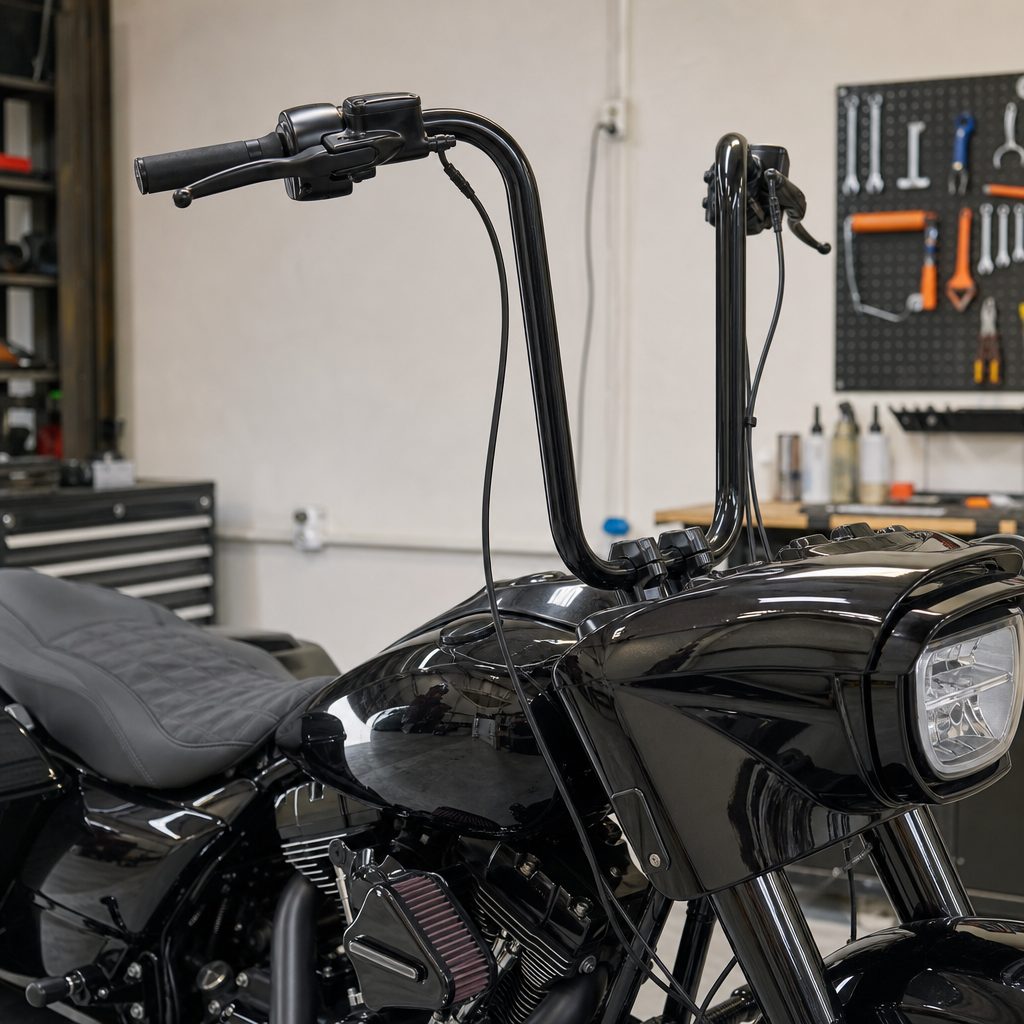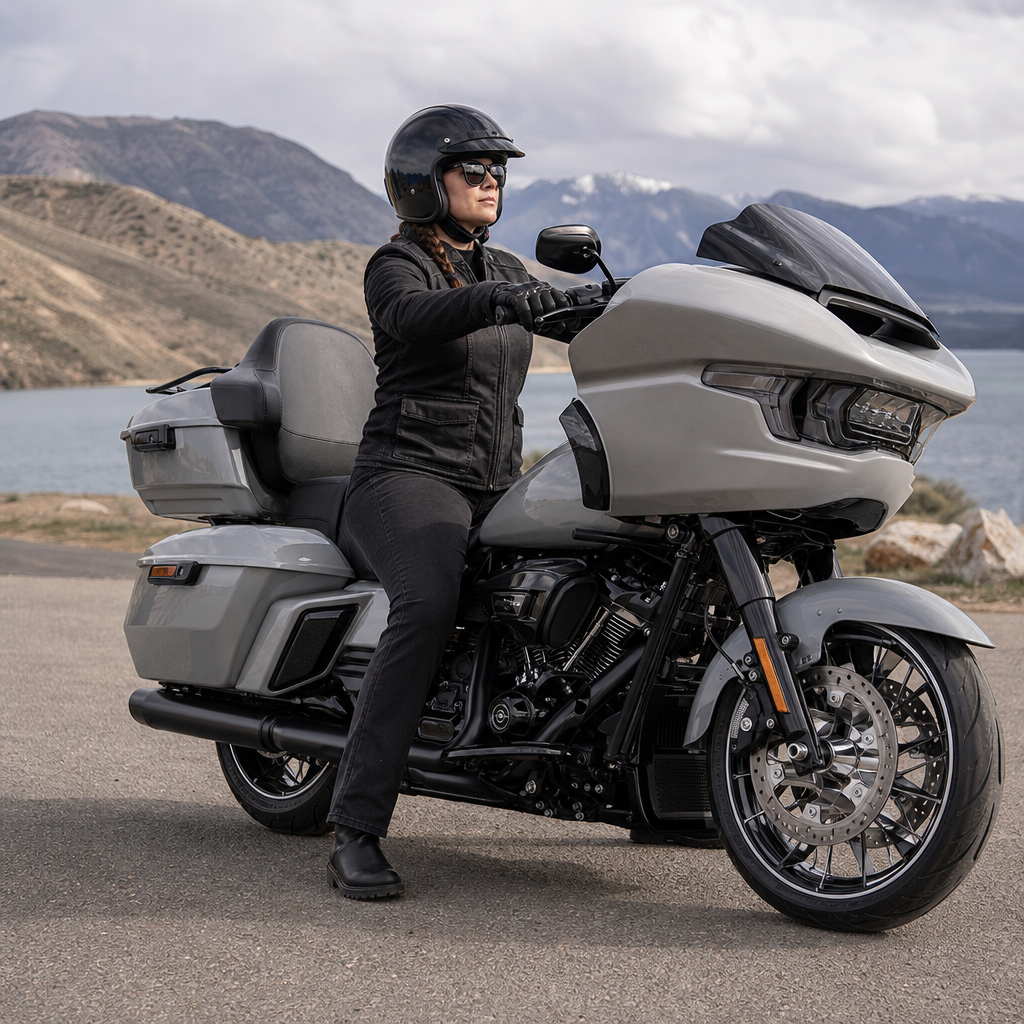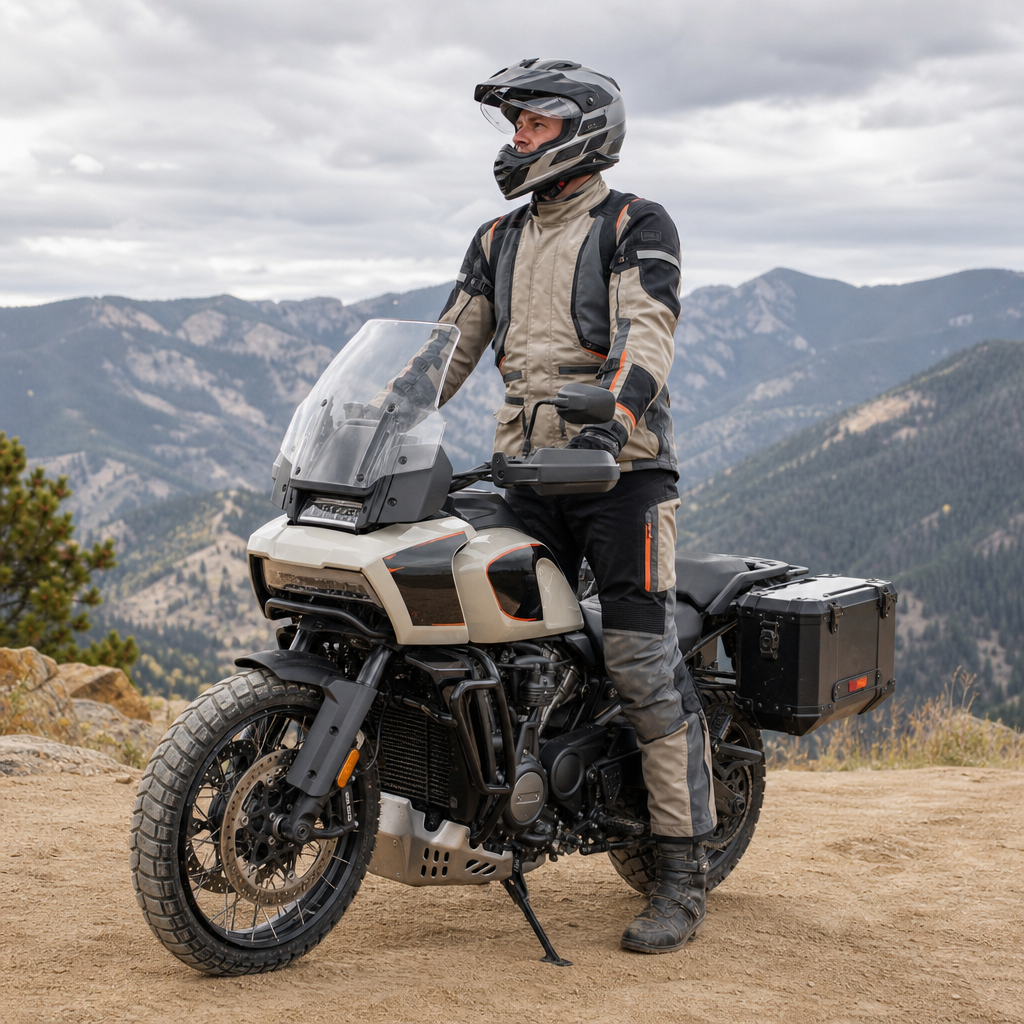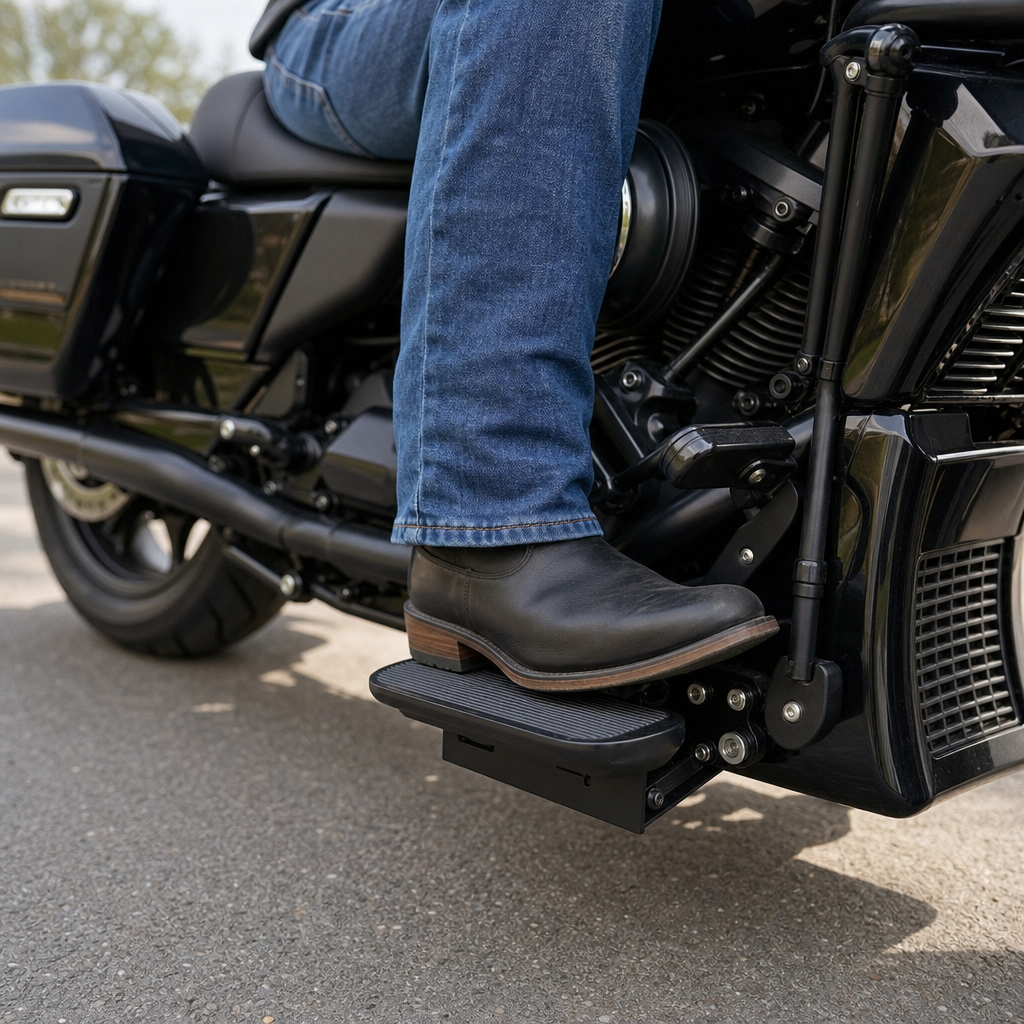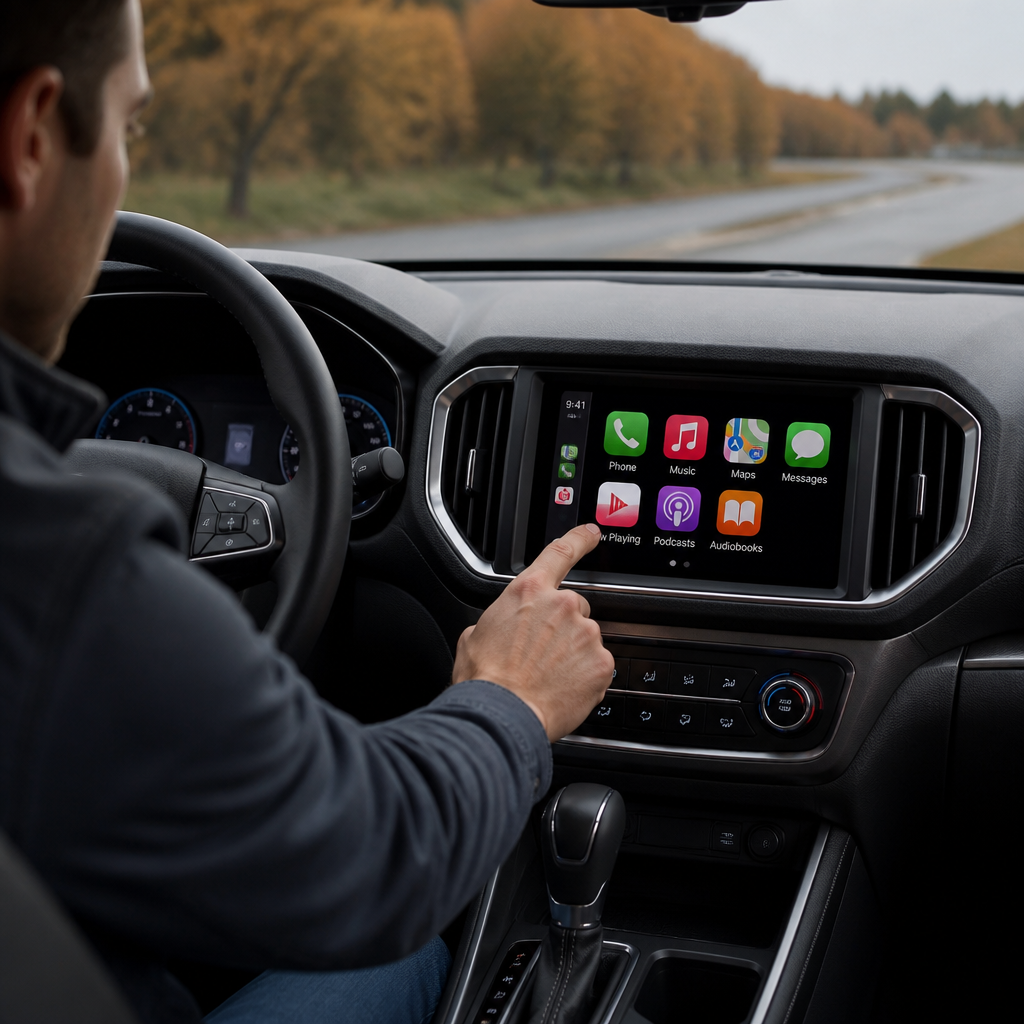
Skyline OS Troubleshooting: Solving common Bluetooth and Apple CarPlay lag in 2026 models starts with understanding how Harley-Davidson’s latest infotainment stack interacts with the motorcycle’s V-Twin platform, electrical system, and rider controls. In 2026 models equipped with Skyline OS, riders expect instant phone pairing, stable helmet-audio streaming, and responsive Apple CarPlay navigation, yet lag can appear when software timing, wireless interference, storage congestion, or power-management behavior disrupts the connection chain. Skyline OS is Harley-Davidson’s current interface layer for communication, media, navigation, and vehicle settings, while Apple CarPlay is Apple’s in-vehicle projection system that mirrors approved iPhone apps on the bike’s display. Bluetooth, in this context, handles device discovery, audio transport, headset control, and metadata exchange, often alongside Wi-Fi Direct when CarPlay runs wirelessly. I have worked through these issues on touring bikes after firmware updates, during accessory installs, and after battery replacements, and the pattern is consistent: infotainment complaints often look like software faults but are frequently rooted in broader V-Twin performance and mechanics fundamentals such as charging stability, idle vibration, grounding quality, switchgear behavior, and accessory load. That is why this article functions as a hub for the wider V-Twin Performance and Mechanics topic. A modern Harley’s infotainment performance does not sit apart from engine architecture; it depends on the same system discipline that governs throttle response, starting reliability, charging output, and thermal management. Riders, technicians, and owners benefit from treating lag as a system-level problem rather than a phone-only annoyance.
Why infotainment lag belongs in a V-Twin Performance and Mechanics hub
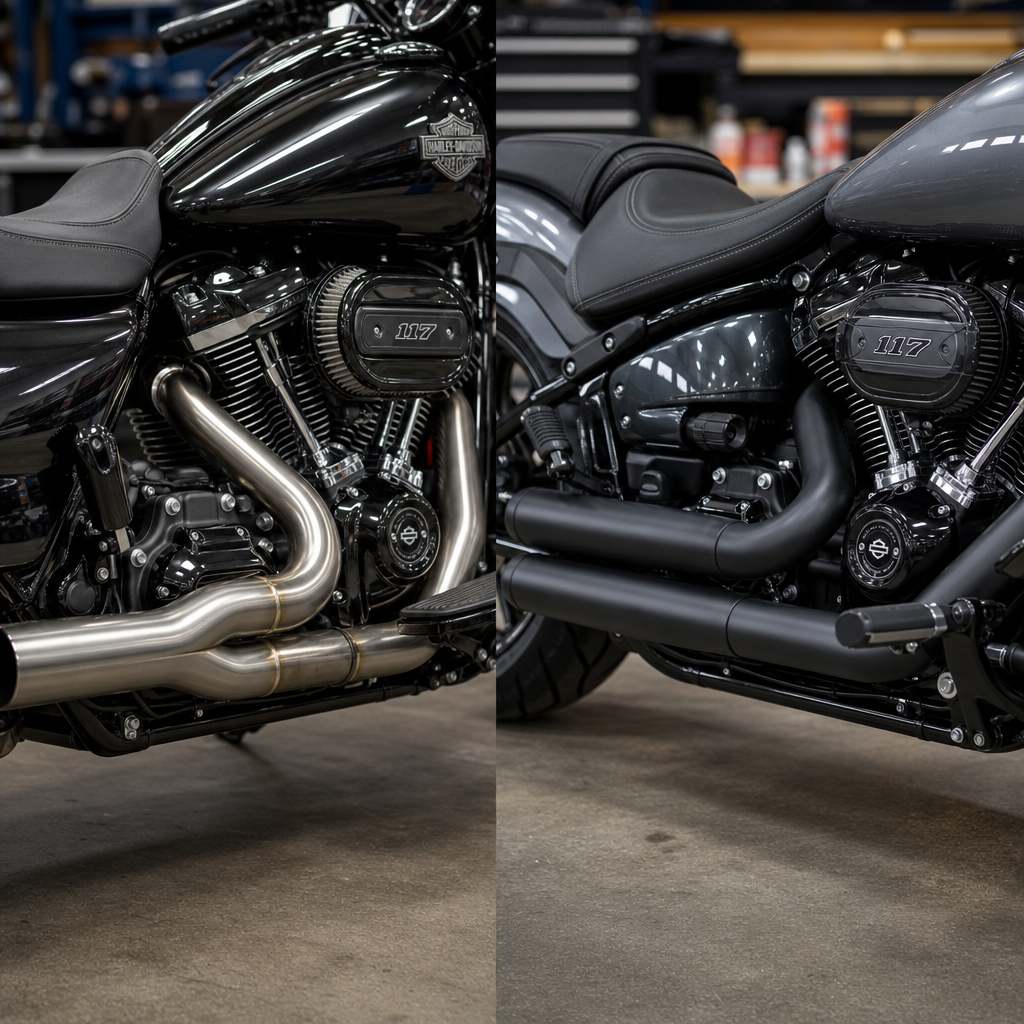
The connection between Skyline OS troubleshooting and V-Twin mechanics is direct. Harley-Davidson’s V-Twin touring and cruiser platforms generate distinct vibration signatures at idle and low rpm, and those signatures affect mounts, connectors, and device cradling over time. The Milwaukee-Eight family, for example, improved balance and heat management compared with Twin Cam engines, but real-world service still shows that low-voltage events, loose grounds, and harness strain create symptoms that riders first notice through the screen. Bluetooth dropouts during a stoplight idle, CarPlay map freezes after a hot restart, and delayed handlebar control inputs often trace back to electrical or mechanical conditions elsewhere on the motorcycle.
For a sub-pillar hub on V-Twin Performance and Mechanics, that matters because owners rarely troubleshoot by category. They experience one machine, not separate systems. A bike with a weak AGM battery, a marginal charging stator connection, added auxiliary lights, and an overloaded USB power adapter may still crank and run, yet infotainment latency becomes the earliest warning sign of unstable voltage. Likewise, poor engine tune can raise idle irregularity, and excessive bar vibration can interrupt headset links or cause intermittent switch contact. In service practice, fixing the infotainment complaint sometimes prevents a future roadside no-start because the diagnostic path reveals a battery nearing end of life or a corroded chassis ground.
This hub therefore anchors several related subtopics riders should connect internally when diagnosing performance concerns: charging system health, battery testing under load, handlebar switchgear integrity, CAN bus communication, engine idle quality, thermal effects on electronics, and accessory current draw. Understanding those links helps owners troubleshoot faster and avoid replacing expensive modules unnecessarily.
Common causes of Bluetooth lag and CarPlay delay in 2026 Harley-Davidson models
The most common causes fall into five categories: phone-side software state, bike-side software state, wireless interference, storage and process congestion, and power integrity. On the phone side, outdated iOS versions, excessive background app refresh, limited storage, and corrupted pairing records can delay CarPlay launch or produce audio stutter. On the motorcycle side, incomplete Skyline OS indexing, outdated firmware, and retained connection data from older devices can slow startup and source switching. Wireless issues are especially common in urban areas dense with 2.4 GHz traffic, because Bluetooth shares spectrum with Wi-Fi and many helmet communicators.
Storage and process congestion are less obvious but common. If the head unit is busy rebuilding music libraries, syncing contacts, and loading navigation tiles after an update, response time can degrade for several ride cycles. Riders often misread that as a permanent bug. Power integrity is the most overlooked category. A healthy charging system on a modern Harley should maintain stable operating voltage once running, and even small dips during startup or idle can interrupt the handshake between the bike, the iPhone, and a wireless headset. I have seen bikes with flawless engines but aging batteries cause repeated CarPlay retries every morning until battery replacement solved the issue completely.
| Symptom | Likely cause | What to check first |
|---|---|---|
| CarPlay takes more than 30 seconds to launch | Old pairing data, iOS mismatch, busy head unit indexing | Forget and re-pair phone, update iPhone and Skyline OS, reboot both |
| Bluetooth audio skips at idle or stoplights | Voltage dip, vibration-sensitive connection, crowded wireless spectrum | Battery test, charging output check, headset firmware update |
| Handlebar controls respond late in media apps | Background processing, CAN communication delay, switch contamination | Restart system, inspect switchgear, check for software updates |
| Navigation freezes after hot restart | Thermal throttling, app instability, weak battery after heat soak | Cool-down retest, battery load test, check charging and app permissions |
| Phone connects for calls but not CarPlay | Wi-Fi disabled, CarPlay restrictions, corrupted wireless profile | Enable Wi-Fi and Siri, reset CarPlay settings, delete old bike profile |
Step-by-step Skyline OS troubleshooting that resolves most lag complaints
Begin with the clean reset sequence because it resolves a large percentage of soft faults without parts replacement. First, update the iPhone to the current supported iOS release and confirm Siri, Wi-Fi, and Bluetooth are enabled. Then check Skyline OS for the latest available firmware. After updates, power the bike fully down, shut the phone off for one minute, and restart both. Delete the bike from the iPhone’s CarPlay and Bluetooth menus, delete the phone from Skyline OS, and pair again as a new device. This clears stale keys and profile conflicts that often survive ordinary reconnect attempts.
Next, reduce variables. Disconnect secondary headsets, smartwatches trying to dominate audio routes, and any aftermarket Bluetooth dongles. Test one known-good iPhone and one helmet headset only. If CarPlay now launches quickly and audio stays stable, add devices back one at a time. This matters because many riders run a helmet mesh intercom, a tire-pressure monitor, a smart watch, and a phone simultaneously, all within the same radio environment. Wireless contention is real, and the bike may not be the primary fault.
Then measure behavior under specific operating conditions. Does lag happen only on cold start, only after fuel stops, only at idle, or only in dense traffic corridors? Pattern recognition narrows diagnosis. If symptoms appear after a hot restart, suspect heat-soaked battery performance or aggressive app background activity. If they appear only at idle with auxiliary lights on, inspect charging voltage and idle quality. If they appear only when moving through cities, test with helmet intercom mesh disabled to determine whether radio congestion is the trigger. Good troubleshooting on a Harley always correlates electronic symptoms with engine state, temperature, and electrical load.
Electrical and mechanical checks every V-Twin owner should perform
Reliable infotainment starts with the same foundation as reliable starting and fuel management: stable voltage, clean grounds, intact connectors, and controlled vibration. Load-test the battery rather than relying on resting voltage alone. A battery can show acceptable open-circuit voltage yet sag badly during crank or when heat soaked. Inspect battery terminals for torque and oxidation, then inspect main grounds, especially any point disturbed during accessory installation. On touring models, I also check harness routing near the neck and fairing because repeated steering movement can stress connectors over time.
Charging-system verification matters. Use a digital multimeter and compare idle and elevated-rpm readings against service specifications for the model. If charging output is marginal at idle, Bluetooth or CarPlay instability can appear before obvious engine-management faults. Accessory load is another frequent culprit. Heated gear ports, extra lighting, radar devices, and phone chargers all add demand and, in poor installations, inject electrical noise. Remove nonessential accessories during diagnosis. If lag disappears, reintroduce equipment in a planned order and inspect the power source and grounding method for each add-on.
Mechanical condition matters too. An irregular idle caused by intake leaks, misfire, or poor tune can increase vibration and voltage fluctuation together, compounding infotainment issues. The Milwaukee-Eight platform is smoother than older Harley V-Twins, but if a bike idles too low, has worn mounts, or carries loosely installed bars or fairing components, rider-perceived lag often worsens because switch inputs and display interactions feel less precise. This is why a true V-Twin performance and mechanics hub must link infotainment complaints to combustion quality, mount integrity, and the charging system rather than isolating them as a phone problem.
When the fault is the phone, the headset, or the software ecosystem
Not every lag complaint belongs to the motorcycle. Apple CarPlay depends on the iPhone’s available resources, wireless stack health, app permissions, and storage condition. Phones with very full storage, aggressive battery-saving settings, or many navigation and messaging processes in memory can take longer to project. Clearing storage, disabling Low Power Mode during testing, and closing unnecessary apps often improves launch time immediately. If only one phone has problems and a second compatible iPhone works flawlessly on the same bike, the issue is almost certainly device-specific.
Helmet headsets also create confusion. Sena and Cardo units receive frequent firmware updates that improve audio routing and Bluetooth coexistence. An outdated headset can connect for calls yet behave poorly with music metadata, voice assistant triggers, or mixed audio sources. Test with the headset disconnected and route sound to the bike or another known-good device if the model allows it. If CarPlay becomes responsive without the headset, update the communicator and review its pairing order. In many setups, the phone should pair to the bike first, and the headset should pair to the bike rather than directly to the phone.
Software ecosystem mismatch is the third external factor. Immediately after major iOS releases, vehicle systems across many brands can show temporary quirks until compatibility patches arrive. The disciplined approach is to confirm both bike and phone software levels, read manufacturer bulletins, and avoid assuming hardware failure too early. Dealers can check technical service communications that are not obvious to owners, and that step often saves time.
Prevention, maintenance habits, and when to escalate to a dealer
The best fix is prevention. Keep Skyline OS current, but do updates when you have time for a full reboot and verification ride rather than moments before a trip. Maintain battery health with proper charging practices, especially if the bike sits for weeks. Inspect accessory wiring at service intervals, and avoid stacking too many devices onto improvised power taps. Reboot the phone periodically, remove unused paired devices, and keep at least several gigabytes of free phone storage available for maps, caches, and system processes. Those habits reduce lag more effectively than constant re-pairing.
Escalate to a dealer when symptoms persist after clean re-pairing, software updates, battery testing, and accessory isolation. Also escalate if you see broader electrical symptoms such as random warning lights, hard starting, display resets, or repeated module communication faults. A dealer can pull diagnostic trouble codes, verify firmware campaigns, inspect CAN communication, and test charging performance under model-specific conditions. That matters on 2026 machines because software calibration, gateway modules, and feature packages vary by trim and market.
For riders using this page as a Harley-Davidson V-Twin Performance and Mechanics hub, the main lesson is simple: Bluetooth lag and Apple CarPlay delay are rarely isolated annoyances. They are often early indicators of battery weakness, charging instability, accessory wiring problems, vibration-related wear, or software mismatch across the bike-phone-headset chain. Diagnose the system, not just the screen. Start with updates and fresh pairing, verify battery and charging health, inspect grounds and accessories, and test one device at a time. That method solves most Skyline OS complaints efficiently and protects the broader performance of the motorcycle. If your bike still lags after those steps, book a dealer diagnostic and use the findings to guide the next repair with confidence.
Frequently Asked Questions
Why is Bluetooth audio or headset pairing lagging on my 2026 Harley-Davidson with Skyline OS?
Bluetooth lag on 2026 Skyline OS models usually comes down to a mix of software timing, signal congestion, and accessory behavior rather than one single hardware fault. The infotainment system is constantly coordinating with the motorcycle’s controls, display, wireless radios, and connected phone, so even small delays in pairing handshakes or audio routing can create noticeable lag. Riders often see this when multiple devices have been previously paired, when a helmet headset is trying to reconnect to more than one device at startup, or when the phone is running background apps that compete for Bluetooth resources. In many cases, the system is technically connected, but audio buffering, delayed metadata syncing, or repeated connection attempts make it feel slow or unstable.
A practical troubleshooting path starts with deleting old pairings from both the motorcycle and the phone, then pairing the phone and helmet headset again in the recommended order listed by Harley-Davidson and the headset manufacturer. Make sure the phone’s operating system, the headset firmware, and Skyline OS are all current, because latency and reconnect issues are often corrected in routine updates. It also helps to disable Bluetooth connections to smartwatches, spare helmets, or secondary earbuds during testing so the bike and phone are not competing with other nearby devices. If the lag mostly appears right after startup, give the system an extra minute to complete boot processes before launching music, calls, and navigation at the same time. When the issue improves after a clean re-pair and update cycle, that strongly suggests the cause was software-level communication rather than a failing module.
What causes Apple CarPlay to respond slowly or freeze on Skyline OS in 2026 models?
Slow Apple CarPlay performance usually points to a bottleneck somewhere between the iPhone, Skyline OS, and the wireless environment inside the bike’s cockpit. CarPlay depends on more than simple Bluetooth pairing; once the initial connection is established, it may rely on additional wireless communication and continuous data exchange for maps, voice commands, notifications, and media. If the phone is low on storage, heavily loaded with background processes, running an outdated iOS version, or dealing with weak signal conditions, CarPlay can begin to lag, hesitate during map rendering, or freeze while switching between screens. On the motorcycle side, delayed touchscreen response, pending system updates, or cached temporary data can also contribute to sluggish behavior.
The most effective first steps are to restart both the motorcycle’s infotainment system and the iPhone, then test CarPlay with only essential apps running. Confirm that Siri is enabled, CarPlay is allowed while the phone is locked, and no Screen Time or focus settings are limiting function in the background. If navigation lag is the biggest complaint, check whether the issue happens only in dense urban areas or after long rides, which may suggest temporary memory load or signal-related delays rather than a permanent fault. Riders should also verify that Skyline OS has the latest available software revision, because infotainment updates often include wireless optimization, input-response fixes, and compatibility changes for newer iPhone releases. If CarPlay works normally after a reboot but slows down again later, the issue is often related to software resource buildup or app-level congestion rather than a damaged display or control unit.
Can low battery voltage or charging-system issues make Bluetooth and CarPlay lag worse?
Yes, absolutely. Modern infotainment systems are sensitive to voltage stability, and on a 2026 Harley-Davidson running Skyline OS, weak battery performance or inconsistent charging can create symptoms that look like wireless or software problems. If the battery is partially discharged, aging, or recovering from repeated short rides, the bike may still start and run while the infotainment system behaves unpredictably. Riders may notice slower boot times, delayed screen response, interrupted headset connections, or CarPlay sessions that drop and reconnect without warning. Because the system shares the motorcycle’s electrical environment with ignition, charging, controls, and other onboard electronics, voltage dips during startup or at idle can affect how quickly devices initialize and stay synchronized.
If lag appears more often after the bike has been sitting, after cold starts, or when accessories such as heated gear, extra lighting, or phone charging are in use, it is smart to inspect the electrical side before assuming Skyline OS is at fault. Check battery condition, terminal tightness, charging output, and the health of any accessory wiring that may be adding noise or extra draw. A battery that tests marginal can create intermittent communication issues long before it causes a no-start condition. It is also wise to test CarPlay and Bluetooth with unnecessary accessories unplugged, especially if the phone is charging from an aftermarket source that may introduce instability. In short, healthy voltage supports stable infotainment performance, and poor power quality can magnify lag that would otherwise be minor or unnoticeable.
How do I properly reset Skyline OS connections without losing more settings than necessary?
The best approach is to start with the least disruptive reset and work upward only if the problem remains. In many cases, you do not need a full factory reset to fix Bluetooth or CarPlay lag. Begin by removing the affected phone and headset from the motorcycle’s paired-device list, then forget the bike connection on the phone and the headset connection menu if applicable. After that, power the phone fully off and back on, restart the motorcycle’s infotainment system if the menu allows it, and pair everything again from scratch. This process clears corrupted pairing records and forces a fresh authentication sequence, which often resolves delayed reconnects, missing audio channels, and slow CarPlay launches.
If the issue continues, the next step is to review system settings for audio routing, permissions, and startup preferences rather than immediately wiping the entire bike profile. A full infotainment reset should generally be saved for situations where lag is persistent across multiple phones or headsets, or after software updates where settings may not have migrated cleanly. Before performing any major reset, note saved preferences such as display setup, audio presets, navigation choices, and connected device names. Once the reset is complete, reintroduce devices one at a time and test after each addition so you can identify whether the problem is linked to a specific phone, headset, app, or accessory. That method is much more effective than reconnecting everything at once and hoping the lag disappears.
When should I stop troubleshooting at home and have the motorcycle inspected by a dealer?
You should move from home troubleshooting to dealer diagnosis when the lag is persistent, repeatable, and no longer responds to basic corrective steps such as updates, re-pairing, phone restarts, and battery checks. If Bluetooth audio cuts out with multiple different headsets, if Apple CarPlay freezes with more than one iPhone, or if the touchscreen itself becomes slow even when no device is connected, the issue may involve the infotainment hardware, system firmware, control module communication, or another motorcycle-level fault that requires dealer tools. The same is true if symptoms are accompanied by warning messages, failed software installations, unusual reboot behavior, or signs of charging-system instability. At that point, continuing to reset and reconnect devices at home can waste time and may make the pattern harder to document.
Before visiting the dealer, it helps to gather clear details: when the lag started, whether it began after an update, which phones and headsets were tested, whether the bike was running or idling, and whether the problem changes with battery charge, weather, or ride duration. This kind of information can help the technician separate a wireless-environment issue from a software bug or component fault. Dealer service is especially important if technical service bulletins, firmware patches, or model-specific corrections exist for 2026 Skyline OS motorcycles, since those may not be available through rider-level troubleshooting alone. In short, if the issue affects safety, navigation reliability, communication clarity, or confidence on the road, getting a professional inspection is the right next step.