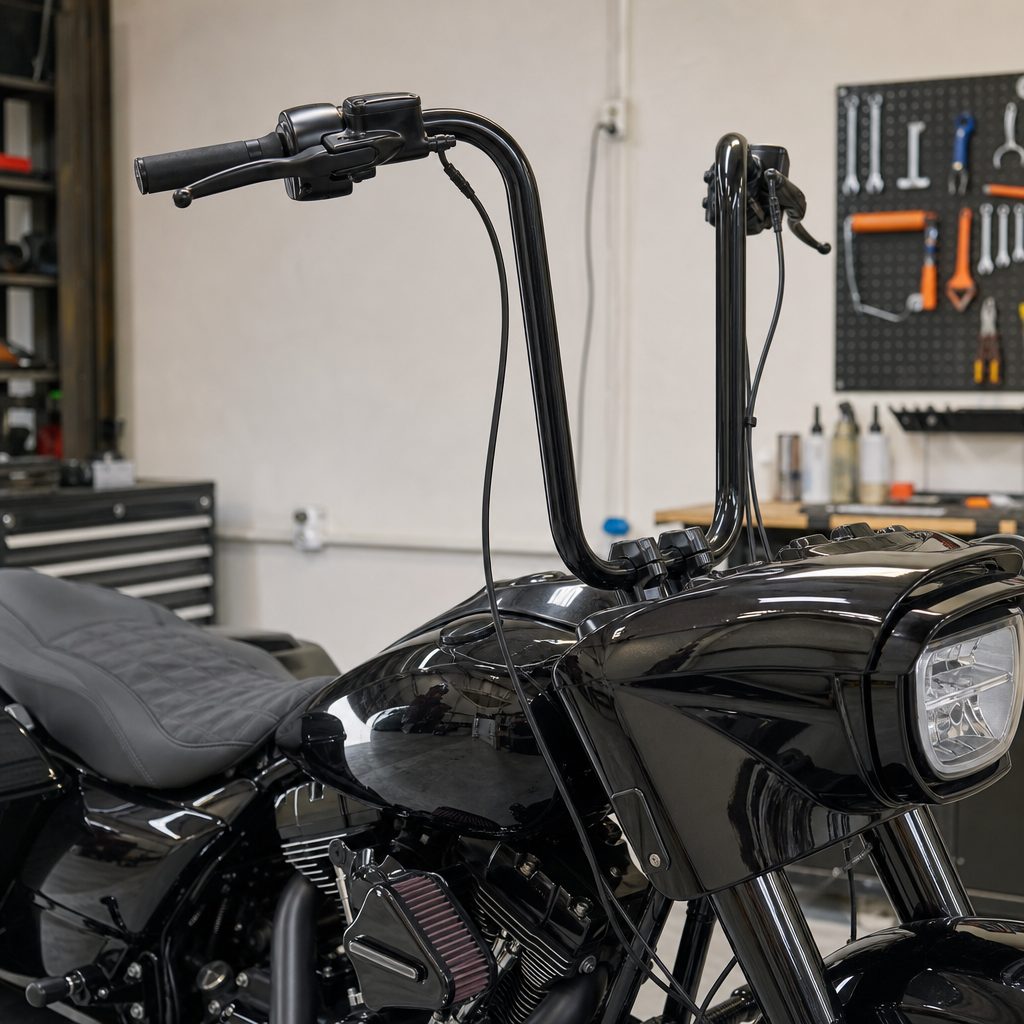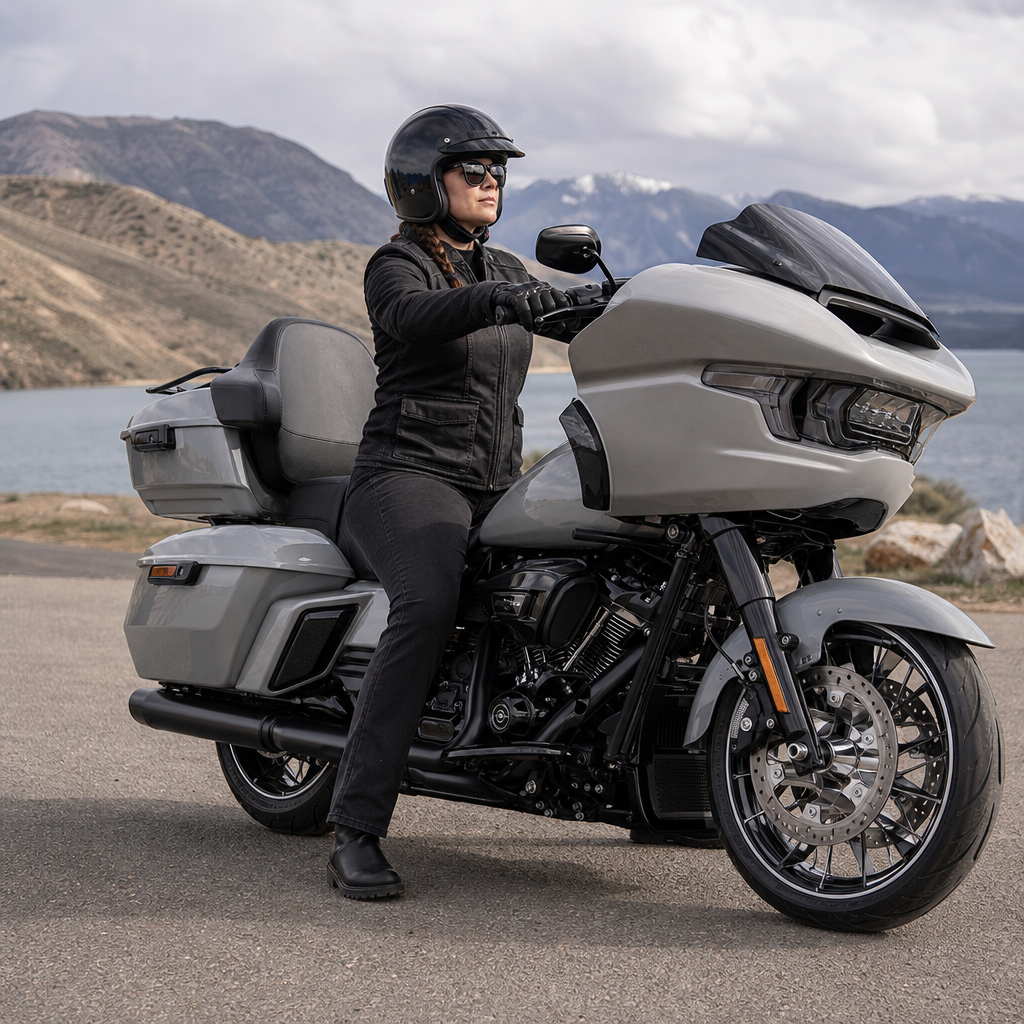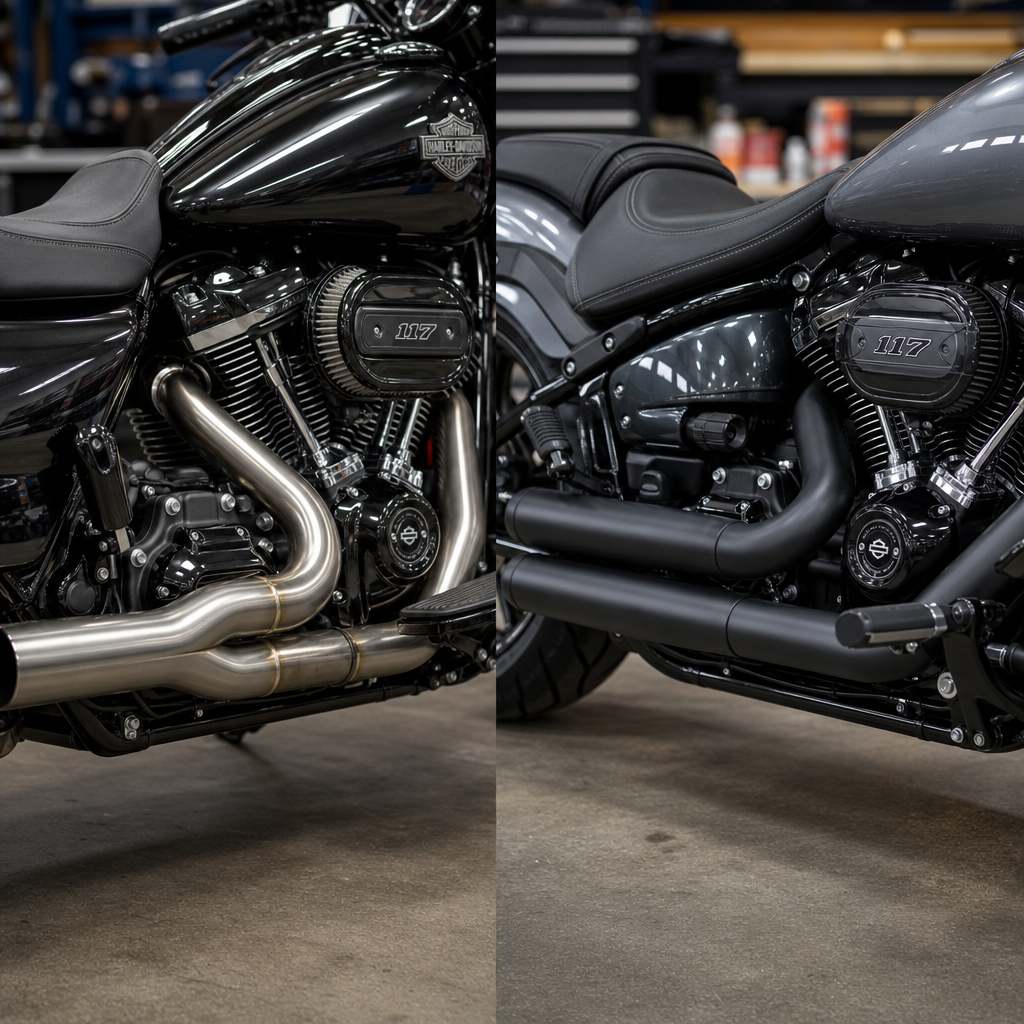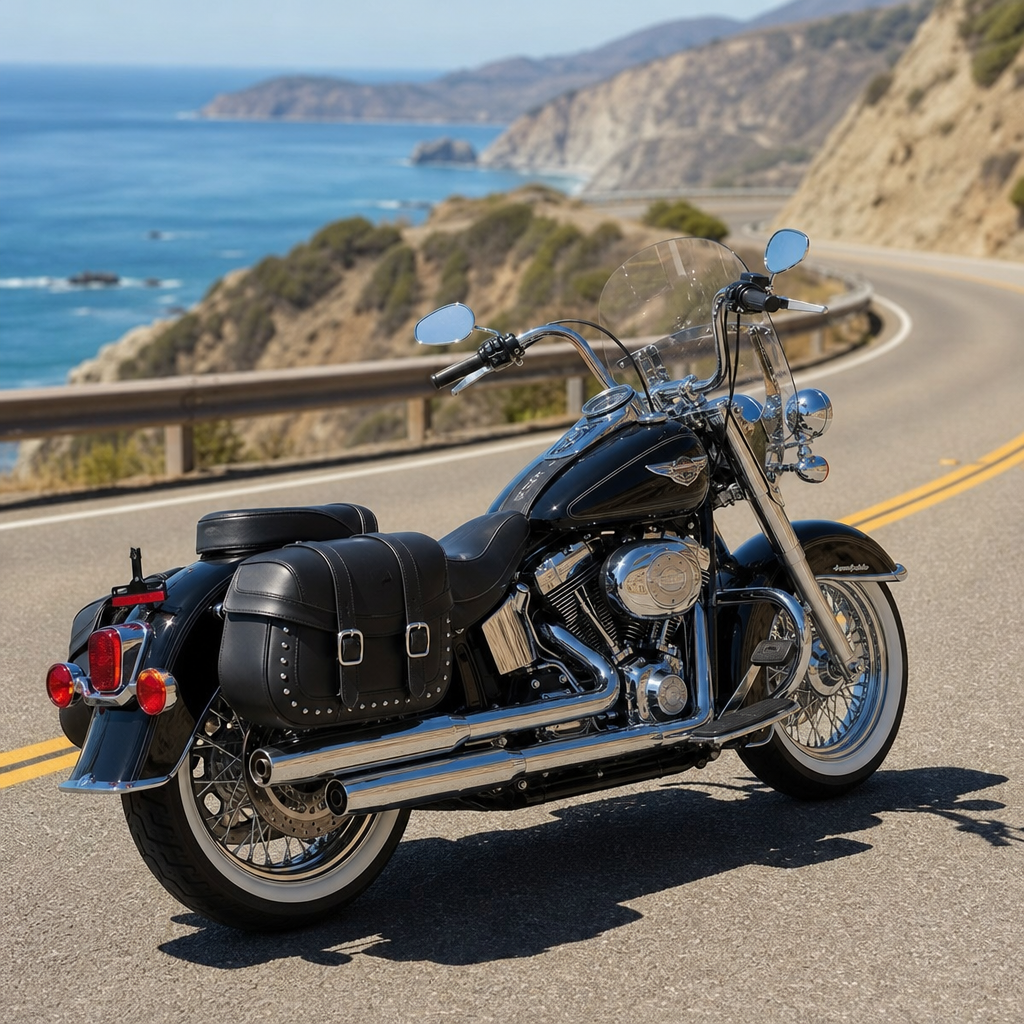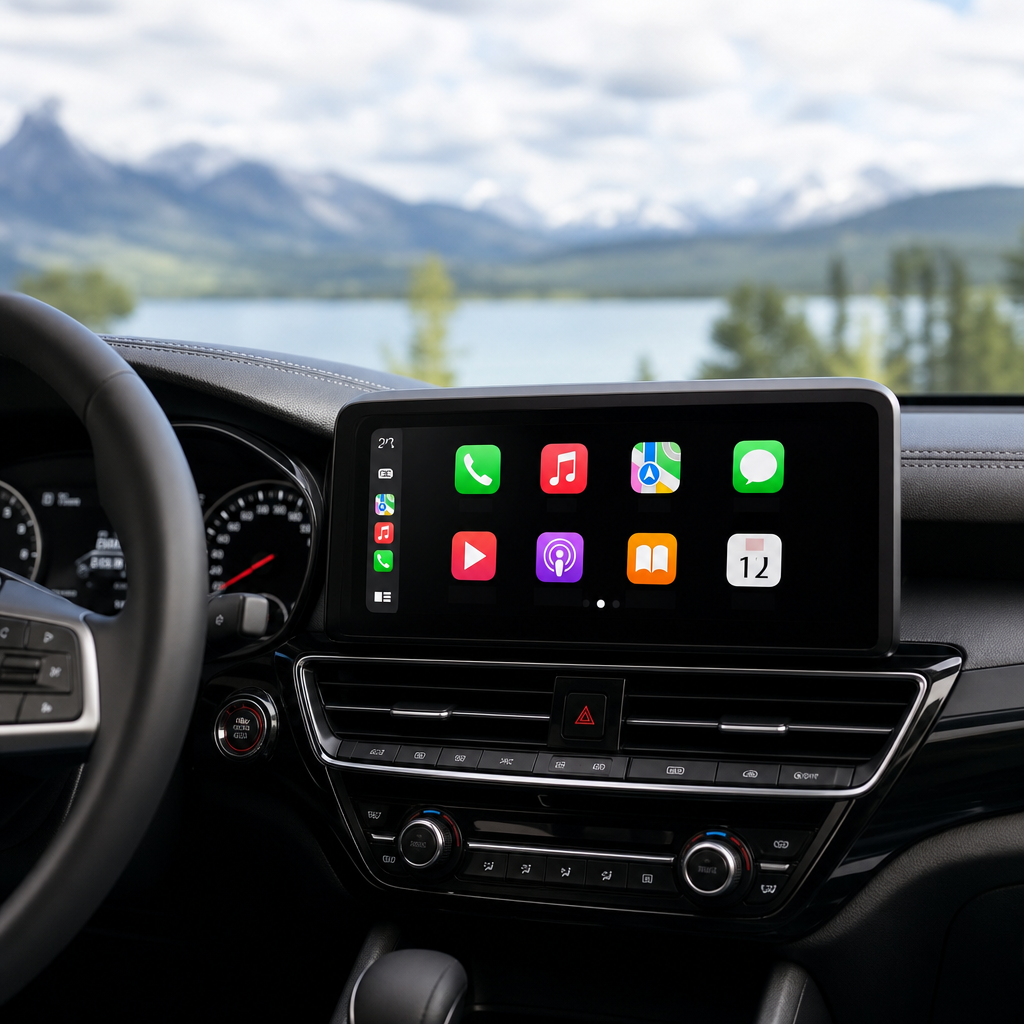
Skyline OS Apple CarPlay integration on Harley-Davidson touring motorcycles has become a practical upgrade path for riders who want modern navigation, messaging, and media without replacing the entire cockpit, yet one issue defines the 2026 conversation: latency. In this context, latency means the delay between input and response, whether that is a tap on a glove-friendly display, a Siri request, a route recalculation, or an audio transition through helmet communicators and amplifiers. A recipe is the repeatable combination of hardware choices, software settings, cable routing, mount position, and performance tuning that produces a reliable result on a specific model. For Harley-Davidson owners, especially those riding Road Glide, Street Glide, Ultra Limited, Road King Special conversion builds, and CVO touring platforms, model-specific ergonomics and performance recipes matter because cockpit geometry, fairing design, bar height, vibration signature, electrical capacity, and infotainment generation all change the way CarPlay behaves in real use.
I have worked through these integrations on baggers with stock Boom! Box systems, on bikes using standalone CarPlay screens, and on custom setups tied into DSP amplifiers and Bluetooth helmet ecosystems. The pattern is consistent: riders blame Apple CarPlay when the real problem is usually signal path complexity, poor USB power stability, outdated firmware, thermal throttling, or a mismatched rider interface. Solving 2026 latency is not only about speed. It is about making the system feel native while preserving the core Harley experience of long-range comfort, quick visual comprehension, and confident control with gloves on. This hub article explains the recipe framework, the ergonomic decisions by model, the performance bottlenecks that create lag, and the implementation standards that lead to dependable results.
What a Harley-Davidson CarPlay recipe actually includes
A strong Skyline OS Apple CarPlay integration recipe combines five layers. First is the display layer: native infotainment, an embedded Skyline OS unit, or an external waterproof CarPlay screen. Second is the connection layer: wired USB-C or Lightning through a certified cable, or wireless CarPlay through 5 GHz Wi-Fi paired after an initial Bluetooth handshake. Third is the audio layer: direct output to factory head unit, USB audio bridge, Bluetooth helmet communicator, or aftermarket amplifier with digital signal processing. Fourth is the control layer: touch input, physical bar controls, voice assistant activation, and glanceability. Fifth is the power and thermal layer: stable voltage, grounding, weather sealing, and heat management in enclosed fairings.
For a Harley sub-pillar focused on model-specific ergonomics and performance recipes, the goal is not merely to describe components. The goal is to identify combinations that work on real motorcycles under vibration, heat, rain, gloves, and highway wind. A recipe therefore has measurable outcomes. Touch response should feel immediate, usually under 100 milliseconds for local interface actions. Voice requests should start within one to two seconds after activation. Route changes should process without screen freezing. Audio switching between navigation prompts and music should happen without clipping, pops, or five-second pauses. Charging should remain stable above the phone’s minimum threshold even with screen brightness high, GPS active, and cellular radios engaged.
Model-specific ergonomics: why Road Glide and Street Glide require different recipes
Ergonomics drive performance more than most installers expect. A Road Glide’s frame-mounted sharknose fairing gives the display a stable visual plane relative to the rider, which reduces perceived lag because the screen does not oscillate with handlebar movement. That makes Road Glide recipes more tolerant of touch interfaces and allows slightly smaller screens without sacrificing readability. Street Glide batwing fairings and bar-mounted accessory screens place the visual target on a moving structure. On rough pavement, the rider sees added shake, and even normal response times can feel slower because the hand and display are both moving. In practice, Street Glide recipes benefit from larger on-screen targets, simplified home screens, and stronger mounts with rubber isolation that controls high-frequency vibration without creating bounce.
On Ultra Limited models, riders often prioritize passenger audio, CB replacements, and long-distance navigation. The recipe here must reduce menu depth and preserve audio priority logic, because latency complaints frequently appear when multiple devices compete for the same output path. CVO machines with upgraded amplifiers and speaker packages can expose another issue: digital audio processing adds delay. If navigation prompts pass through Bluetooth, then into a processor with time alignment and crossover management, the system may sound excellent but feel slow. Road King Special builds using bar-mounted external CarPlay displays introduce unique line-of-sight challenges. A screen positioned too low forces larger gaze angles away from the road, making each delay more noticeable. Raising the display into the rider’s natural scan triangle often improves perceived speed even if measured latency stays unchanged.
2026 latency sources and the fixes that matter most
Most 2026 latency problems come from four causes: overloaded wireless paths, unstable power delivery, software mismatches, and excessive audio conversion. Wireless CarPlay is convenient, but on motorcycles it is vulnerable to interference from helmet communicators, smartwatches, dense urban Wi-Fi, and poorly shielded accessory controllers. If a rider reports random pauses, delayed map panning, or sluggish Siri responses, testing a wired connection is the fastest diagnostic step. In my installs, moving from wireless to a certified short cable often cuts subjective lag dramatically and stops disconnect loops entirely. Apple’s own CarPlay framework is stable; the weak points are usually adapters, hubs, or bargain cables that fail under vibration.
Power instability is equally common. A phone may appear to charge while still dropping into thermal or battery-protection behavior that slows the interface. Touring Harleys with added lighting, heated gear ports, and amplifiers can expose voltage dips at idle. The fix is not guessing. Measure charging current and voltage under real conditions, including stops, low-speed traffic, and high-brightness navigation use. A quality DC-DC converter with clean regulated output, proper grounding, and weather-sealed connectors prevents many “software” issues. Software mismatches matter too. Skyline OS, motorcycle display firmware, iPhone iOS version, and any bridge module should be updated in a controlled sequence, then tested with a known-good cable and a clean pairing profile. Finally, every analog-to-digital or digital-to-analog handoff adds opportunity for delay. Keep the signal path short.
| Latency source | Typical symptom | Most effective fix | Best fit Harley models |
|---|---|---|---|
| Wireless interference | Delayed map input, audio stutter, random reconnects | Use wired CarPlay or relocate antennas and adapters | Street Glide, Road King Special builds |
| Voltage drop | Screen dimming, slow charging, app freezes in traffic | Install regulated power converter and verify grounding | Ultra Limited, CVO touring models |
| Firmware mismatch | Unstable startup, missing controls, intermittent Siri issues | Update iPhone, Skyline OS, and bridge firmware in sequence | All models |
| Long audio chain | Late navigation prompts, clipped transitions | Simplify routing and minimize DSP stages | Bikes with aftermarket amps and helmet comms |
Performance recipes by riding use case
The right recipe depends on how the motorcycle is ridden. For commuting, startup speed and call reliability matter more than maximum screen size. A Street Glide commuter build should favor wired CarPlay, a direct power feed, a high-brightness display, and a stripped-down app layout with Maps, Phone, Messages, and one media source. For long-distance touring, thermal management and audio hierarchy become critical. On a Road Glide or Ultra Limited crossing hot states in summer, mount the phone where it is shaded and cooled, disable unnecessary background app refresh, pre-download route segments, and prioritize navigation prompts over media in the audio mixer. If the rider uses Cardo or Sena communicators, test prompt ducking at highway speed with earplugs in place; what sounds fine in the garage often fails at 75 mph.
Performance riding and aggressive canyon use create a different recipe. Here, the system must demand almost no attention. Riders on Road Glide ST or Street Glide ST models benefit from minimal screen interaction, oversized tap zones, dark high-contrast themes, and dependable voice control. If using Apple Maps, Google Maps, or Waze, choose one primary navigation app per ride instead of switching. Every app swap increases processor load and cognitive friction. For two-up touring, the recipe expands again. Passenger communication, shared music expectations, and charging needs can introduce hidden latency through Bluetooth daisy chains. In those cases, a direct wired phone-to-display path plus a separate dedicated audio strategy produces better overall performance than trying to make one wireless link do everything.
Installation standards that prevent future problems
Clean installation is a performance feature. I route USB and power lines away from ignition components, LED driver modules, and high-current amplifier feeds whenever possible, because electromagnetic noise and connector fatigue show up later as intermittent lag. Use marine-grade heat-shrink, sealed connectors, and strain relief near steering movement points. On batwing and sharknose fairings, test full-lock steering and suspension compression before finalizing cable length. A cable that looks neat on the lift can tug on a connector after 500 miles of real riding. Mounting angle matters as well. A screen tilted to avoid glare reduces the time your eyes spend hunting for information, which directly improves the feeling of responsiveness.
Weatherproofing is equally practical. Harley touring bikes get washed, rained on, and baked in sun. Condensation inside a display housing can cause ghost touches that masquerade as software lag. IP ratings matter, but gasket quality and vent design matter too. If using external CarPlay hardware, choose a display with at least 1000 nits brightness for daylight visibility and a tested operating temperature range suited to enclosed fairings. For internal systems, keep airflow in mind around bridge modules and wireless adapters. Heat is a major hidden cause of 2026 latency because modern phones and adapters throttle to protect themselves. If the bike spends time idling in parade traffic, assume worst-case thermal load during design, not after complaints appear.
How this hub connects the wider Harley-Davidson recipe library
This page serves as the hub for deeper Harley-Davidson model-specific ergonomics and performance recipes because no single setup fits every chassis, rider position, and audio stack. The detailed companion articles should branch by motorcycle family, use case, and subsystem. Examples include Road Glide handlebar height and screen reach recipes, Street Glide vibration-control mounting recipes, Ultra Limited passenger-audio latency recipes, Road King Special naked-cockpit CarPlay conversion recipes, and CVO amplifier timing recipes. Additional support pieces should cover helmet communicator pairings, USB power validation, fairing heat management, glove-friendly interface design, and troubleshooting startup loops. That structure helps riders move from broad strategy to exact installation guidance without repeating the fundamentals.
The larger lesson is simple: solving Skyline OS Apple CarPlay integration latency in 2026 is less about chasing one miracle device and more about matching the recipe to the motorcycle. Start with ergonomics, simplify the signal path, stabilize power, control heat, and validate every change under riding conditions. Harley-Davidson owners benefit most when the system disappears into the ride, delivering navigation, calls, and music with calm consistency instead of constant tinkering. Use this hub to plan your model-specific build, then follow the linked recipes for your exact bike, audio setup, and riding style. A disciplined installation now saves hours of troubleshooting later and produces the responsive cockpit modern touring riders expect.
Frequently Asked Questions
What causes latency in a Skyline OS Apple CarPlay setup on a Harley-Davidson touring motorcycle?
Latency in a Skyline OS Apple CarPlay installation usually comes from several small delays stacking together rather than one single failure point. On a Harley-Davidson touring bike, the signal chain is longer and more complex than it is in a car. A rider may tap the display, Skyline OS processes the input, CarPlay passes the command to the iPhone, the phone calls up navigation, music, or messaging data, and then the result has to return through the bike’s interface and often out to helmet communicators, amplifiers, or handlebar audio controls. Every handoff adds a little time, and in 2026 those little gaps are what riders notice most.
Wireless CarPlay is often the first contributor. It is convenient, but it depends on stable Bluetooth pairing and a strong Wi-Fi Direct link between the phone and the head unit. If either connection is noisy, congested, or repeatedly renegotiating in the background, response times increase. That is why some riders experience a delay in Siri prompts, skipped audio transitions, or lag when switching between navigation and music. Wired CarPlay can reduce much of that overhead because it removes part of the wireless handshake and gives the phone a more direct data path.
Another major source is the phone itself. If the iPhone is managing too many background tasks, running low on storage, overheating in a tank bag or fairing pocket, or dealing with poor cellular service while simultaneously streaming music and recalculating routes, CarPlay performance can slow down. Skyline OS is only one part of the equation. A modern interface still relies heavily on the phone’s processing, radio performance, and thermal condition.
Audio hardware can also introduce delay. Many touring bikes use aftermarket amplifiers, DSP units, Bluetooth helmet systems, and intercoms. Each stage may buffer audio to maintain stability, but buffering creates lag. The rider then hears navigation prompts a fraction of a second later than expected, or notices a pause when answering Siri. In practical terms, the “2026 latency problem” is really a system-tuning issue involving software, wireless transport, phone health, and accessory compatibility rather than a flaw in Skyline OS alone.
What is the best recipe for reducing 2026 CarPlay latency with Skyline OS?
The most effective recipe starts with simplifying the system before trying to optimize it. First, update everything: Skyline OS firmware, the iPhone’s iOS version, any CarPlay module software, and firmware for helmet communicators or audio processors. Many latency complaints come from version mismatches where one device is optimized for a newer protocol and another is still using older timing rules. Once updates are complete, reboot the entire chain and re-pair devices from scratch instead of relying on legacy saved connections.
Next, test the system in the lowest-complexity configuration. Connect the iPhone directly to Skyline OS using a high-quality wired connection if your setup supports it. Then disable unnecessary Bluetooth accessories temporarily. If latency drops immediately, the issue is not the display itself but one of the added wireless or audio layers. That kind of isolation test saves time because it tells you where to focus. Riders often assume the head unit is slow when the real delay is inside a helmet communicator or an audio DSP buffering the signal.
Phone preparation matters more than many people expect. Before a ride, close unnecessary heavy apps, confirm available storage, disable low-signal background syncing if possible, and keep the phone cool. Heat is especially important on touring motorcycles because a phone mounted behind a fairing or inside a compartment can throttle performance in warm weather. A throttled phone can make route recalculation and Siri responses feel sluggish even when Skyline OS is functioning normally.
Finally, tune the audio path. If you use a Bluetooth helmet system, look for low-latency modes, current firmware, and simplified routing. If audio is passing from CarPlay through the bike and then wirelessly into the helmet, expect more delay than a direct wired output. For the fastest real-world setup, many riders find the best recipe is updated Skyline OS, current iPhone software, wired CarPlay if available, minimal accessory layers, and a carefully chosen audio chain with as few conversions as possible.
Is wired CarPlay better than wireless CarPlay for solving Skyline OS latency issues?
In most cases, yes. Wired CarPlay is usually the most reliable way to reduce latency because it removes much of the variability caused by wireless negotiation and signal interference. Wireless CarPlay depends on both Bluetooth and Wi-Fi working smoothly at the same time. On a motorcycle, that connection lives in a harsher environment than it does in a car. There is more exposure to RF noise from accessories, less shielding, and more chances for signal instability when multiple devices such as communicators, smartwatches, and headsets are active.
With a wired connection, touch inputs, route updates, and media switching often feel more immediate. Riders especially notice the difference during navigation-heavy use, such as rerouting in traffic or switching between apps while wearing gloves. Siri can also respond more consistently because the phone is receiving a steadier data connection and often charging at the same time, which helps preserve battery condition during long rides.
That said, wired is not automatically perfect. The cable quality matters, the connector fit matters, and the phone’s physical placement matters. Cheap cables, worn ports, or vibration-sensitive adapters can create intermittent drops that feel just as frustrating as wireless lag. The best practice is to use a short, certified cable and secure the phone so the connection is not constantly stressed by road vibration.
Wireless CarPlay still has a place. Many riders prefer it for convenience and cleaner cockpit organization, and some premium modules perform very well when paired with a modern iPhone and a clean RF environment. But if the goal is specifically solving 2026 latency, wired CarPlay is the benchmark test. If the lag disappears when wired, you have clear proof that the wireless link is the performance bottleneck rather than Skyline OS itself.
How do helmet communicators, amplifiers, and audio processors affect CarPlay response time?
They can have a bigger impact than the display or CarPlay interface. Audio accessories often use buffering to smooth playback and avoid dropouts, but every buffer adds delay. On a touring Harley-Davidson, it is common for audio to travel from the iPhone into Skyline OS, through the motorcycle’s audio system, into an amplifier or DSP, and then out to a Bluetooth helmet communicator. That chain can sound excellent, but it is not always fast. The more stages involved, the more likely riders are to notice delayed prompts, voice assistant lag, or slight timing mismatches between what appears on screen and what they hear.
Helmet communicators are a frequent source of perceived latency because Bluetooth audio profiles prioritize stability and compatibility over instant response. A brief delay when starting music, hearing a turn prompt, or invoking Siri is normal to some degree. Problems become more noticeable when the communicator is also managing intercom traffic, mesh networking, phone pairing, or another media source at the same time. In that scenario, the communicator is juggling multiple tasks and may increase buffering to maintain connection quality.
Amplifiers and digital signal processors can contribute as well. Some DSP units apply equalization, time alignment, crossover processing, and level management, all of which require a small amount of processing time. In a car, that delay may be irrelevant. On a motorcycle, where riders expect immediate voice cues and rapid app transitions, it becomes easier to feel. If a system is tuned heavily for audio quality, there may be a tradeoff with responsiveness.
The practical fix is to test one layer at a time. Run Skyline OS with direct bike speakers, then add the amplifier, then test the helmet communicator. That process identifies where the delay enters the system. If the helmet link is the main culprit, updating firmware, reducing simultaneous Bluetooth connections, or changing routing can help. If the DSP adds too much lag, using a simpler profile for CarPlay voice prompts may improve the experience. The key point is that latency is often an ecosystem issue, and audio accessories are frequently where that issue becomes most noticeable.
How can riders tell whether their Skyline OS latency problem is normal or a sign of a setup issue?
A small amount of delay is normal in any CarPlay system, especially when wireless links and Bluetooth audio are involved. For example, a brief pause before music starts, a short beat before Siri speaks, or a momentary delay while a route recalculates does not automatically mean something is wrong. What separates normal behavior from a setup issue is consistency, severity, and the context in which the lag appears.
If the delay is predictable and minor, the system is probably operating within normal limits. If taps routinely take multiple seconds to register, Siri requests often fail or arrive late, navigation prompts come too late to be useful, or audio switching feels erratic, that usually points to a configuration problem. Another warning sign is inconsistency. A system that works well one ride and poorly the next often suggests wireless instability, overheating, power-management issues, or a device that is reconnecting improperly after sleep cycles.
A good diagnostic method is to compare conditions. Test the bike while stationary with a cool phone, strong signal, and minimal accessories active. Then test again during a normal ride with your usual helmet communicator and media apps