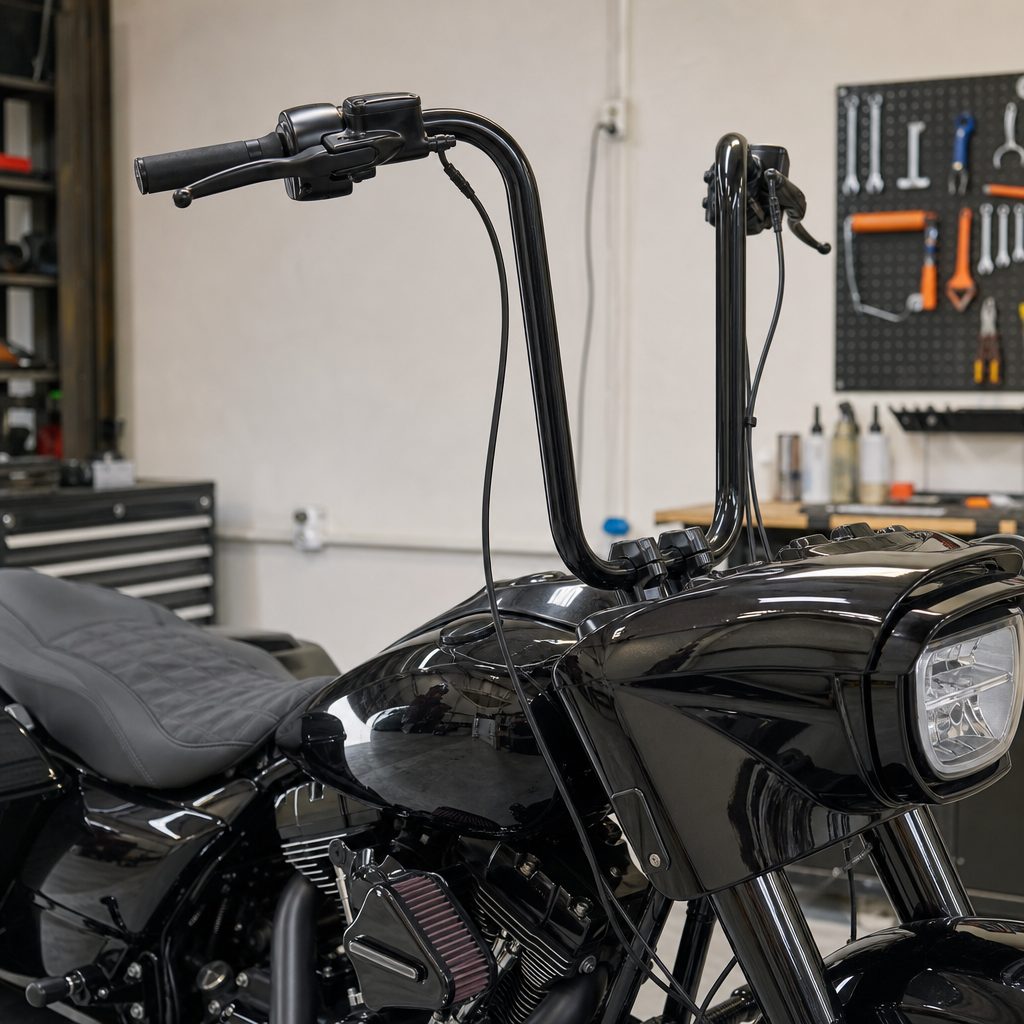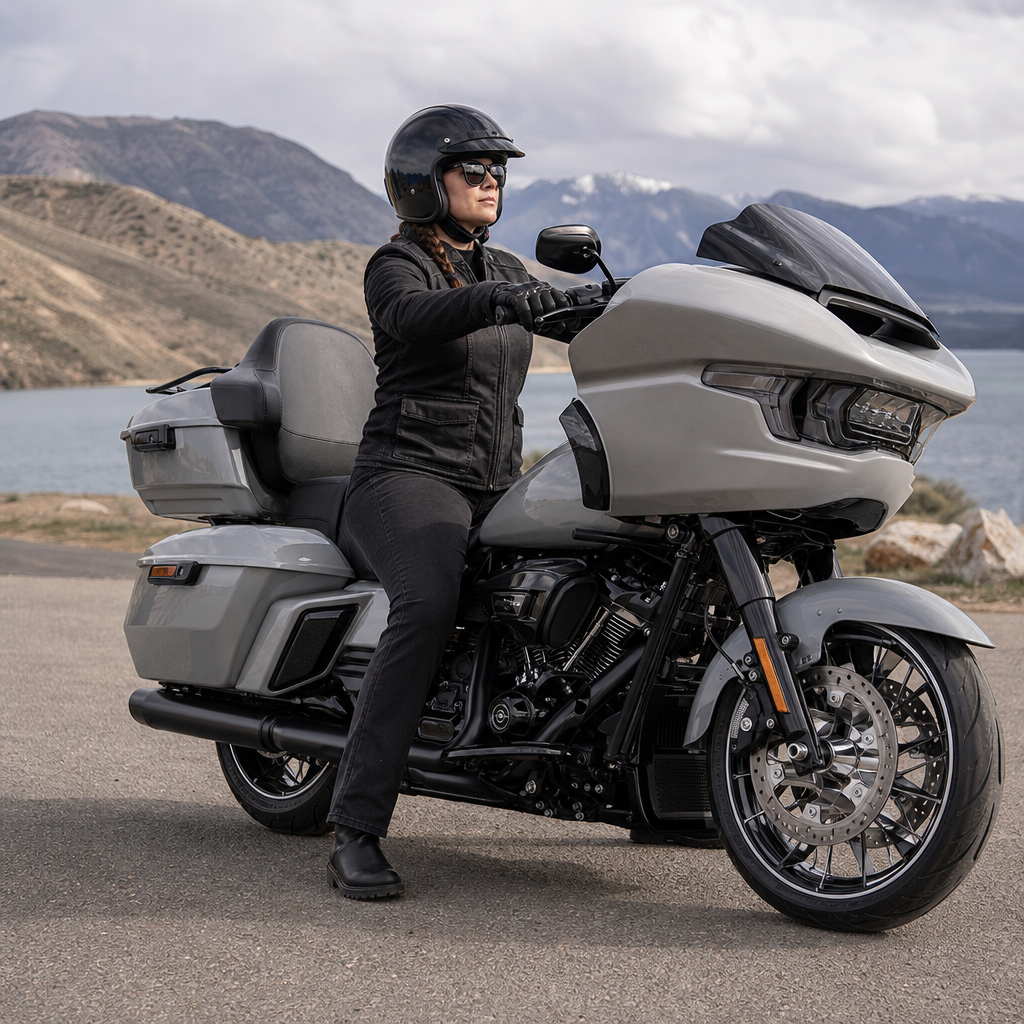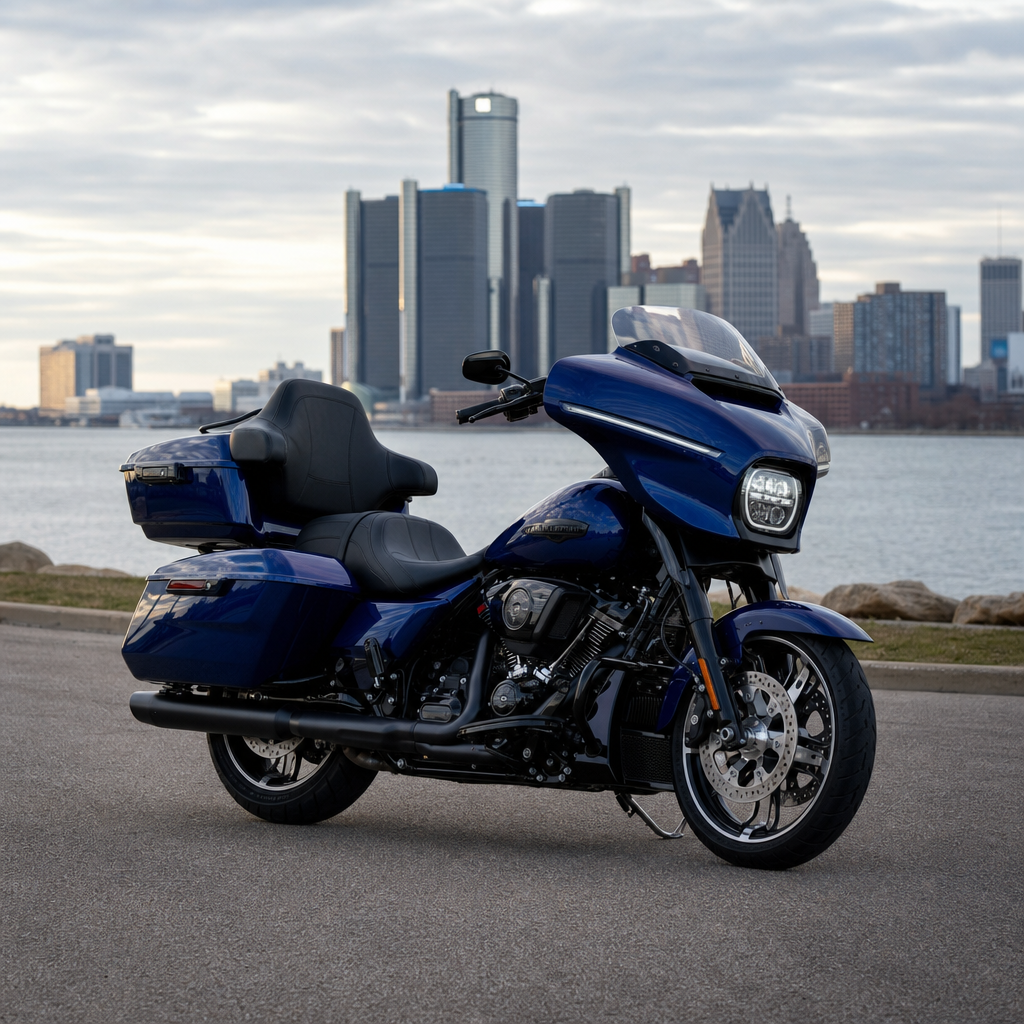
The 2026 Street Glide Limited with Skyline OS gives Harley-Davidson riders a far more adjustable audio platform than previous infotainment systems, but better control also creates a familiar problem: most bikes leave the dealership sounding merely acceptable, not truly optimized. An audio recipe is a repeatable combination of equalizer settings, source-level choices, speed-sensitive compensation, speaker balance, and rider-position assumptions that produces consistent sound in real riding conditions. For this model, optimizing EQ settings matters because the motorcycle environment is hostile to fidelity: wind noise rises fast above 35 mph, helmet acoustics reshape upper mids, fairing speakers beam differently at highway posture than at parking-lot stance, and engine character competes with bass perception. I have tuned bagger audio on long interstate runs, urban commutes, and demo events, and the difference between a flat showroom setup and a road-tuned Skyline OS profile is not subtle. Riders hear clearer vocals, less harsh cymbal splash, stronger kick drum definition, and fewer moments where turning the volume up simply makes the system more fatiguing.
This hub article covers model-specific ergonomics and performance recipes through the lens of audio, because sound quality on a touring Harley is inseparable from rider position, wind management, speaker placement, passenger load, and electrical headroom. “Model-specific ergonomics” means tuning around how the Street Glide Limited actually places the rider relative to the batwing fairing, bars, seat, and speakers rather than relying on generic car-audio advice. “Performance recipe” means a practical baseline you can save, test, and refine for your own helmet, windshield, and music sources. Skyline OS is central here because it changes the user experience from fixed presets to a more structured interface with quick access to device pairing, source management, tone shaping, and ride-state controls. If you want one reference page that explains what settings to change first, what tradeoffs to expect, and how this bike differs from other Harley-Davidson audio platforms, this is the starting point.
Understand the Street Glide Limited listening environment before touching EQ
The best EQ settings for a 2026 Street Glide Limited start with acoustics, not menu diving. The bike’s front fairing speakers project toward the rider, but they do not behave like home stereo monitors in a quiet room. At city speeds, low frequencies are more audible because wind pressure is lower and the rider sits relatively upright. At freeway speeds, broadband wind noise masks bass first, then lower mids, while the 2 kHz to 5 kHz range becomes crucial for vocal intelligibility. That is why many riders mistakenly boost treble too much: they are chasing clarity, but excessive upper-frequency gain creates glare and listening fatigue after thirty minutes. On this platform, I get better real-world results by making modest cuts in muddy low mids around the male-vocal region and a restrained boost in presence rather than cranking the top end.
Rider ergonomics shape this more than people expect. A taller rider using a low windshield often sits in rougher air, which increases helmet turbulence and masks detail. A shorter rider behind a taller screen may hear more bass retention and can tolerate a flatter EQ. Full-face helmets usually soften top-end splash compared with half helmets, and earplugs change the picture again by reducing broadband noise while often improving perceived music balance. Passenger presence matters too. Extra body mass and luggage alter reflected sound and can subtly change how much output is needed before the system feels alive. None of this means there is one universal perfect Street Glide Limited Skyline OS audio recipe. It means the right baseline must be built around the bike’s specific riding triangle and wind envelope, then adjusted in small, deliberate steps.
The baseline Skyline OS audio recipe that works for most riders
For most solo riders on a stock or near-stock 2026 Street Glide Limited, the strongest starting recipe is conservative, not dramatic. Begin with any EQ preset disabled or set to flat. Set fader and balance centered unless you have rear speakers or trunk speakers, in which case keep the image slightly front-biased so vocals stay anchored near eye line. Turn off any loudness-style processing at first if Skyline OS provides it, because loudness curves can overinflate bass at low speed and make the system boomy when stopped yet thin when moving. Use a high-quality source before evaluating anything. Lossy Bluetooth streams at low bitrates can exaggerate brittleness and smear transient detail, while Apple CarPlay, Android Auto, USB lossless files, or higher-tier streaming settings usually reveal what the speakers and amplifier are actually doing.
A practical baseline for many riders is bass at +1 or +2, mid at -1, and treble at +1, then volume-match across several tracks before deciding whether the system is truly better. The small mid cut matters because fairing-mounted motorcycle speakers often accumulate congestion in the lower-mid band, especially with rock, podcasts, and compressed streaming masters. If your music is heavy on acoustic instruments or female vocals, leave mids at 0 first. If your helmet and windshield combination is noisy, push treble to +2 only after confirming that “clarity” is not just extra hiss and cymbal edge. I have found this restrained approach survives the widest range of roads. It sounds balanced at 25 mph, remains intelligible at 70 mph, and avoids the common mistake of setting the bike up only for one dramatic highway test song that later becomes fatiguing in daily use.
| Riding scenario | Recommended EQ baseline | Why it works |
|---|---|---|
| Solo rider, stock windshield, full-face helmet | Bass +1, Mid -1, Treble +1 | Balances wind masking with clear vocals and controlled harshness |
| Tall rider, low windshield, noisier airflow | Bass +1, Mid -1, Treble +2 | Adds presence to overcome turbulence without overloading bass |
| Shorter rider, taller screen, calmer pocket | Bass +2, Mid 0, Treble +1 | Retains warmth because low-frequency masking is reduced |
| Passenger and full luggage load | Bass +1, Mid 0, Treble +1 | Keeps overall balance stable as cabin-like reflections increase |
| Podcast or spoken-word focus | Bass 0, Mid +1, Treble +1 | Improves speech intelligibility and reduces low-end distraction |
How to tune by music type, source quality, and speed
Different content exposes different weaknesses, so the smartest Street Glide Limited Skyline OS EQ settings are validated with multiple test tracks and at multiple speeds. Start with three references: a vocal-forward rock track, a clean acoustic or country track, and a spoken-word podcast. Rock tells you whether the upper mids are too aggressive and whether kick drum has shape instead of just thump. Acoustic material reveals whether guitar harmonics and vocal consonants are natural or etched. Podcasts tell you immediately if your recipe supports long-form listening, because speech becomes annoying long before music does when the 1 kHz to 4 kHz region is wrong. If all three work, you are close to a durable tuning profile.
Source quality changes everything. Riders often blame the bike when the real culprit is a phone streaming a low-data version over a congested Bluetooth connection. Use the highest streaming quality your device and connection allow, disable volume normalization if it dulls dynamics, and compare Bluetooth with wired or native app playback if Skyline OS supports it. At speed, judge settings in stages: 0 to 30 mph, 30 to 55 mph, and 55 to 75 mph. A recipe that sounds bass-heavy at a stop may become balanced at 60 mph. That is normal, because road noise effectively applies its own crude filter. Tune for the speed where you spend the most time. For most touring riders, that means prioritizing 45 to 75 mph clarity over parking-lot impressiveness.
Speaker limits, amplifier headroom, and why overboosting fails
One of the biggest mistakes with Skyline OS audio tuning is trying to replace hardware capability with aggressive EQ. The Street Glide Limited system may be improved over earlier generations, but fairing speakers still live in a compact, vibration-prone, open-air environment. Every big bass boost consumes amplifier power and reduces headroom. As you raise low frequencies, the amp reaches its limits sooner, distortion rises, and the rest of the spectrum sounds smaller even before obvious clipping appears. Riders often interpret this as needing even more volume, creating a loop where the system gets louder but less intelligible. In practice, a mild bass lift and careful midrange shaping produce more usable output than a smiley-face curve with scooped mids and boosted extremes.
Thermal and electrical realities matter on long rides. Touring bikes support multiple loads: lighting, charging devices, heated gear, navigation, and audio. If you ride with many accessories active, sustained high-volume playback can reveal compression or strain earlier than a quick dealership demo suggests. That is another reason the best EQ recipe is usually moderate. If you need chestier bass or dramatically higher clean output, the answer is often upgraded speakers, a DSP-tuned amplifier, or improved speaker baffles rather than more EQ. Reputable Harley-focused audio brands such as Rockford Fosgate, Hogtunes, Aquatic AV, and Hertz provide model-specific options, but even with upgrades the same rule applies: tune for clarity first, then impact. Motorcycle audio that cuts through wind and engine noise is successful because of controlled midrange and preserved headroom, not because the bass control is maxed out.
Building a repeatable personal recipe for ergonomics and performance
To create a personal audio recipe you can trust, document your setup like a mechanic records suspension clicks or tire pressures. Note your seat, windshield height, helmet type, earplug use, favorite source app, and typical cruising speed. Then make one change at a time and ride the same route. I usually recommend a ten-minute loop with a stoplight section, a 45 mph road, and a short highway stretch. Keep volume fixed for the first pass. If vocals disappear at speed, add one step of treble or reduce one step of bass before touching overall volume. If snare hits sting or podcasts sound sharp, return treble to baseline and raise mids slightly instead. This method prevents random adjustments from stacking into a confused setup.
As the hub for Harley-Davidson model-specific ergonomics and performance recipes, this page should guide how you approach every related article: start with the machine’s physical realities, choose a clear baseline, test under real conditions, and refine with discipline. For the 2026 Street Glide Limited Skyline OS audio recipe, the winning formula for most riders is modest EQ, high-quality sources, front-focused staging, and tuning at actual cruising speed rather than in the driveway. Better sound is not about dramatic settings; it is about matching the system to your posture, airflow, helmet, and content. Save one balanced profile, revisit it after any windshield or seat change, and use that same recipe mindset across suspension, controls, and touring comfort. If you want your Harley-Davidson to feel purpose-built, start by dialing in the settings you use on every ride.
Frequently Asked Questions
What is a Skyline OS audio recipe on a 2026 Street Glide Limited, and why does it matter?
A Skyline OS audio recipe is a repeatable set of sound settings designed to make the 2026 Street Glide Limited audio system perform consistently in real-world riding conditions. Instead of treating the equalizer as a simple bass-and-treble adjustment, a true recipe combines multiple variables: EQ tuning, source volume level, speed-sensitive volume behavior, left-right balance, fade if applicable, and the rider’s normal seating position. The reason this matters is simple: motorcycle audio is not heard in a quiet room. It is heard through wind noise, engine vibration, road texture, helmet insulation, and constantly changing speed. A setup that sounds good in the garage can become harsh, thin, or muddy once the bike is moving.
On the 2026 Street Glide Limited, Skyline OS gives riders much more control than older Harley-Davidson infotainment systems, which is a major advantage if you want better clarity and balance. At the same time, more control means more opportunities to create an uneven sound profile. Many factory-delivered settings are intentionally conservative so they sound acceptable for the widest possible group of riders, but “acceptable” is not the same as optimized. A recipe helps you move from random tweaking to a methodical setup that you can return to any time after software updates, battery disconnects, or experimental changes.
The most effective audio recipe is not just about making the system louder. It is about preserving vocal intelligibility, controlling upper-frequency harshness, keeping bass tight instead of boomy, and making the music remain balanced as speed increases. Riders who spend time building a consistent Skyline OS recipe usually end up with less listening fatigue, better detail at highway speeds, and a sound signature that holds together across different playlists and riding environments.
How should I start optimizing EQ settings on the 2026 Street Glide Limited without making the system sound worse?
The best starting point is to reset your thinking before you reset your EQ. Many riders immediately boost bass and treble because that creates a dramatic first impression at a standstill, but on a touring motorcycle that approach often leads to bloated low end and piercing highs once wind noise enters the picture. A smarter process is to begin from a neutral or flat baseline in Skyline OS, set your source device correctly, and then make small, deliberate changes while using familiar music tracks. Choose songs you know well, especially tracks with clear vocals, steady bass lines, cymbals, and acoustic instruments. If the singer sounds buried, the midrange likely needs attention. If cymbals become sharp or splashy at speed, high frequencies may be overemphasized. If kick drums overwhelm everything else, your low-frequency settings are probably too aggressive.
Next, establish a realistic listening scenario. Tune the system while sitting on the bike in your normal riding position, ideally with the helmet you wear most often. Helmet design changes how you perceive upper mids and treble, and even small posture differences can affect how the fairing speakers reach your ears. Then set your playback source volume to a consistent level. If you stream from a phone, make sure the phone volume is high enough to provide a strong signal without introducing distortion from any separate source-level enhancements. Inconsistent source levels cause many riders to chase EQ problems that are actually gain-structure problems.
Once the basics are stable, make adjustments in small increments rather than large jumps. Listen for balance, not excitement. A good Skyline OS EQ setup should make voices sound natural, snare drums crisp without being brittle, and bass present without masking detail. Ride with one setting for a while before changing it again. Fast back-to-back tweaks can trick your ears into preferring louder or brighter settings even when they are less accurate. The goal is a repeatable tuning process that improves musical clarity both in town and on the highway, not just a quick parking-lot demo sound.
What EQ pattern usually works best for highway riding on a Street Glide Limited with Skyline OS?
There is no single universal EQ pattern that fits every rider, but the most successful highway-focused setups usually share the same philosophy: controlled bass, present midrange, and carefully managed treble. At speed, wind noise tends to mask lower-level detail and can make riders overcorrect by boosting both bass and highs too much. In practice, excessive bass often gets lost or turns muddy, while excessive treble becomes fatiguing and harsh. That is why a well-optimized Street Glide Limited setup often relies on moderate low-frequency support, stronger emphasis on the vocal and instrument-presence region, and a restrained top end that stays clear without sounding sharp.
For many riders, the “sweet spot” starts with avoiding dramatic smile-curve EQ tuning. Instead of pushing the lowest and highest bands hard, focus on maintaining vocal intelligibility and attack in guitars, snare, and lead instruments. This often means keeping low frequencies slightly elevated if needed, mids clearly supported, and upper highs only modestly increased. The reason is aerodynamic noise: once you reach sustained highway speed, the frequencies most critical for hearing lyrics and musical detail are the ones that need protection. If those frequencies are scooped out, the audio may seem big at low speed but collapses into an indistinct blur at 70 mph.
It is also important to remember that highway tuning is not just EQ. Speed-sensitive volume compensation plays a major role. If Skyline OS increases volume too aggressively with speed, boosted treble can become uncomfortable very quickly. If compensation is too weak, you may end up over-boosting EQ just to hear detail at speed. The best approach is to build your EQ around realistic riding volume, then fine-tune speed-sensitive behavior so the tonal balance stays usable as conditions change. In other words, a good highway recipe is a complete system setting, not merely an equalizer curve.
How do source settings, phone volume, and streaming quality affect the Skyline OS audio recipe?
They affect it more than most riders expect. A carefully tuned EQ cannot fully compensate for a weak or inconsistent source signal. If your phone volume is set too low, the infotainment system may need more gain downstream, which can reduce perceived impact and detail. If app-based audio normalization, EQ, sound enhancement, or spatial effects are enabled on the phone, those settings can conflict with your Skyline OS tuning and make the bike’s system seem unpredictable. One song may sound balanced, while the next sounds compressed, harsh, or oddly bass-heavy. That inconsistency often comes from the source, not the motorcycle.
Streaming quality matters as well. Low-bitrate audio loses fine detail, stereo separation, and dynamic nuance, all of which become more noticeable when you are trying to optimize a premium touring setup. Compressed streams may sound flat in the mids or grainy in the highs, tempting you to make unnecessary EQ changes. If possible, use high-quality streaming settings or test with well-recorded local files when creating your base recipe. That gives you a cleaner reference point and helps you hear what the Skyline OS system is actually doing.
Consistency is the real priority. Pick one primary listening source, configure it properly, and tune around that use case. If you mainly use Bluetooth streaming from a smartphone, leave the phone’s sound enhancements off, keep the device volume at a stable high level if recommended by your setup, and use the same app quality setting every time you evaluate changes. If you switch constantly between satellite radio, Bluetooth audio, USB playback, and navigation prompts, understand that each source can have different loudness and tonal characteristics. A strong Skyline OS audio recipe accounts for those differences by starting with the source chain, not by assuming the EQ alone is responsible for every sound issue.
How can I tell when my 2026 Street Glide Limited audio is truly optimized instead of just louder or brighter?
A truly optimized setup sounds composed, balanced, and repeatable across the kinds of rides you actually do. The biggest sign is that the music remains intelligible and enjoyable without constant adjustment. Vocals should be easy to follow, even as speed rises. Bass should add weight without swallowing the midrange. High frequencies should provide air and detail without turning cymbals, female vocals, or guitar transients into something sharp or tiring. If you find yourself repeatedly lowering volume because the sound feels aggressive, or repeatedly raising it because lyrics disappear, the system is not fully optimized yet.
Another indicator is versatility. A good Skyline OS recipe should handle multiple genres reasonably well. Rock should have impact, country should keep vocals front and center, podcasts should sound clear, and denser modern mixes should not collapse into congestion. You should also be able to ride through common speed changes without feeling that the tonal balance swings wildly. If the audio sounds excellent at a stoplight but falls apart at 55 to 75 mph, the setup may be tuned for the parking lot rather than the road. That usually points to issues with midrange presence, speed-sensitive compensation, or overextended low and high boosts.
Finally, optimization means you can document the settings and return to them confidently. The best audio recipe is one you can describe clearly: source type, source volume behavior, EQ positions, speed-sensitive volume preference, and any balance adjustments based on rider position. That kind of repeatability is what separates serious tuning from casual knob-twisting. On a 2026 Street Glide Limited, Skyline OS gives you the tools to create a refined,